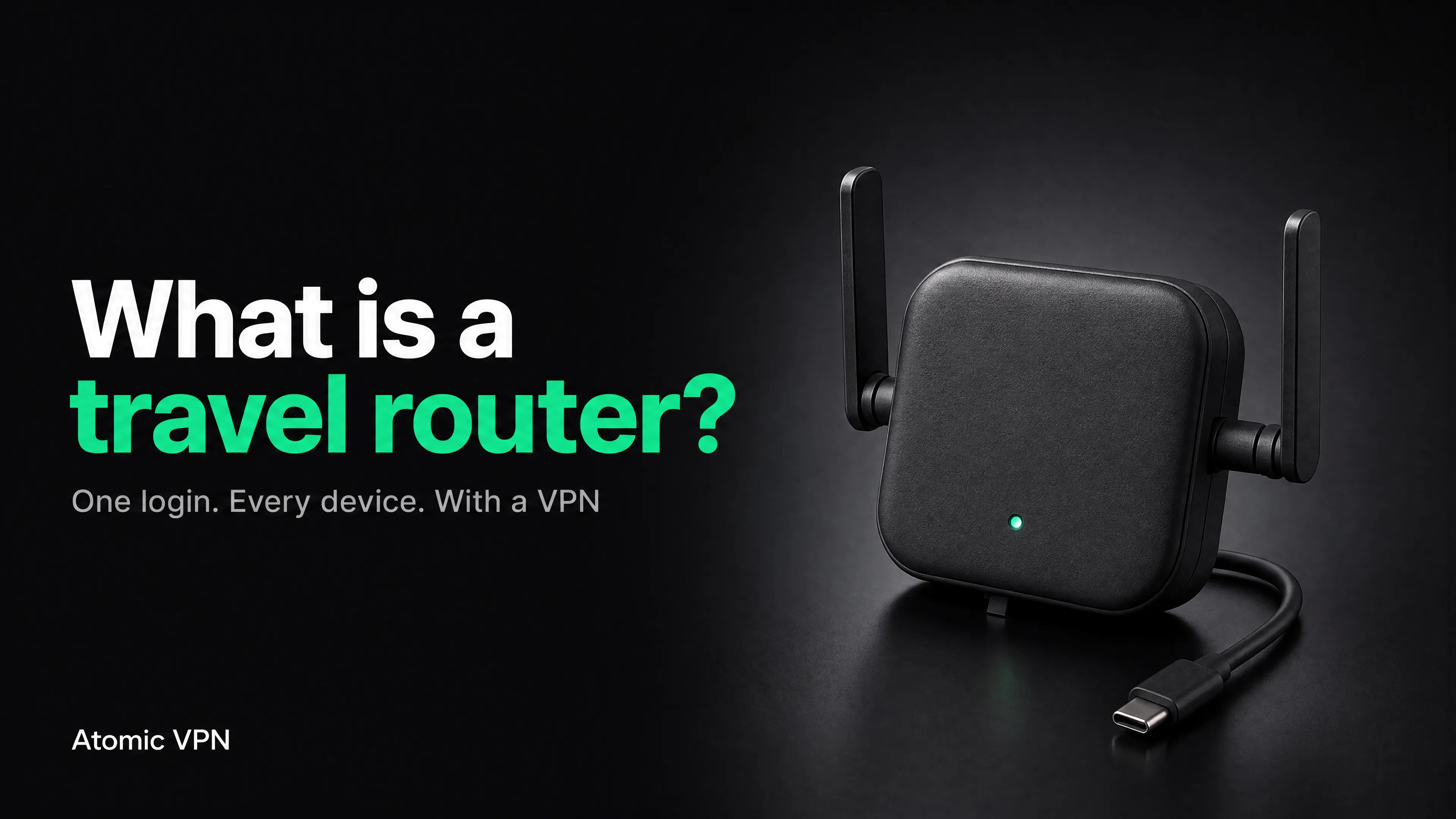
A travel router is a pocket-sized Wi-Fi router. You plug it in or power it from a USB charger, connect it to the hotel's network once, and it creates your own private Wi-Fi network that all your devices join. The hotel sees one device. You see a normal network with your own name and password.
That solves three annoying problems of hotel Wi-Fi at once: logging in on every device, device limits, and devices that can't log in at all, such as a PS5 or a smart TV. Add a VPN on the router and it also covers privacy for everything you connect. (New to VPNs? Start with how to set up a VPN.)
What is a travel router?
A travel router is a small router built for use on the road. It does the same job as the router at home, except it takes its internet from somewhere else: a hotel Wi-Fi network, an Ethernet port in the room, a phone's hotspot or a USB modem.
The key difference from a regular router is the "repeater" or "WISP" mode, which lets it join an existing Wi-Fi network as a client and then share that connection through its own network. Most travel routers also support Ethernet, USB power and a VPN client.
A normal home router can sometimes do the same, but it's bigger, needs a wall socket and often has no VPN client. A travel router fits in a pocket and runs from a power bank.
How a travel router works
Think of it as a middleman between the hotel and your devices:
- The router joins the hotel Wi-Fi like a laptop would.
- You open the router's admin page on your phone or laptop and complete the hotel's login page there.
- The router creates its own Wi-Fi network with a name and password you chose.
- Your devices join your network. They never touch the hotel network directly.
- If a VPN client is on, everything from your devices goes through the VPN tunnel before it reaches the hotel.
That means:
- One login for all devices. After the router authenticates, no device sees a login page.
- One device in the hotel's eyes. If the hotel limits you to two or three devices, your router counts as one.
- Your own network. The password is yours, and you can leave it the same on every trip so your devices connect automatically.
- A firewall in between. Other guests can't reach your devices directly.
Do you need a travel router?
You probably do if:
You can probably skip it if you travel with only a phone, rely on mobile data, and use Wi-Fi occasionally. A VPN app on the phone covers that, and a phone hotspot covers the rest. If you do use hotel Wi-Fi, read whether hotel Wi-Fi is safe first. For the full trip setup, see our VPN for travel page.
Travel router with a VPN: how it fits together
Most devices can run a VPN app: phones, laptops, tablets. Many can't: games consoles, smart TVs, streaming sticks, e-readers, some smart speakers and cameras. A travel router solves this by running the VPN itself.
Instead of installing an app on each device, you set the VPN up once on the router. Traffic from every device on its network leaves through the VPN tunnel. This is a VPN router built for travel; for the home version, see what is a VPN router.
Benefits of putting a VPN on a travel router:
- Everything is covered, including devices that have no VPN app.
- No device slot used. With Atomic VPN, one account covers 5 devices, and a router doesn't use up one of those slots. That leaves all 5 for the phone and laptop you carry out of the room.
- No forgotten "connect" button. The VPN is always on while the device is on the router's network.
- Same server for everything. If you want your console, TV and laptop to appear from one country, set it once.
Things to know:
- Speed. The router's processor limits VPN speed. WireGuard is usually faster than OpenVPN on routers. For example, GL.iNet quotes up to 300 Mbps on WireGuard and 150 Mbps on OpenVPN for its Beryl AX (GL-MT3000) in lab conditions on a local network. Real speeds depend on the hotel's internet, which is often the slower part.
- Protocol. Choose WireGuard when the hotel network allows UDP. If it doesn't, choose OpenVPN over TCP on port 443, which looks like ordinary HTTPS and goes through most hotel firewalls. The differences are explained in our WireGuard vs OpenVPN comparison.
- Compatibility. Not every router has a VPN client. Check that yours supports OpenVPN or WireGuard client mode (not only "VPN server" mode, which is for connecting back to your home network). Travel routers from GL.iNet and similar brands include a VPN client out of the box. Regular home routers vary a lot.
How to set up a travel router with a VPN in 8 steps
The exact menus differ by brand, but the order doesn't. This example uses the common repeater-mode setup. We reference GL.iNet routers because their docs are public and their routers support OpenVPN and WireGuard clients.
- Set it up at home first. Connect the router to your home internet, open its admin page, change the admin password and name your Wi-Fi network. Don't wait until you're at the hotel.
- Update the firmware at home. The vendor advises against updating while you travel, because an interrupted update can leave you without a working router.
- Add your VPN. Download the OpenVPN or WireGuard configuration file for your VPN account, and import it in the router's VPN client page. Atomic VPN: use the configuration file from your account for the server you want. Test that the VPN connects at home.
- Pack the router, its power cable and a short Ethernet cable. A USB power bank also works.
- At the hotel, power the router and connect your phone or laptop to its Wi-Fi. Open the admin page.
- Join the hotel network in repeater mode. On the router's "Internet" page, pick the hotel Wi-Fi and enter the password. If the hotel gives you an Ethernet port, plug it in instead. It's often more stable.
- Complete the hotel login page through the router. Many routers have a "public hotspot login" mode that sends you to the portal. If the page doesn't load, turn the VPN off until you've logged in, then turn it back on.
- Turn on the VPN, then join your devices to your router's Wi-Fi. Check your IP on any "what is my IP" site to confirm it shows the VPN server.
Two security notes from GL.iNet's own travel guides:
- Use repeater (router) mode, not extender or access-point mode, on a network you don't trust. In router mode, the router's firewall sits between the hotel network and your devices. In extender or AP mode, it doesn't.
- When the router is in "login mode" for a public hotspot, some services are suspended and DNS may leak to the hotel. Finish the login quickly and turn the VPN back on.
Consoles and smart devices on hotel Wi-Fi
This is the use case behind searches like "how to connect PS5 to hotel Wi-Fi", and a travel router is the most reliable answer.
The problem: hotel Wi-Fi shows a login page in a browser. A console, a smart TV or a streaming stick often has no way to show that page, or shows it incorrectly. The hotel may also tie access to one device, which blocks everything else.
How to connect a PS5 to hotel Wi-Fi
- Set up a travel router as above and connect it to the hotel network. Log in to the hotel portal through the router.
- On the PS5, open Settings > Network > Settings > Set Up Internet Connection.
- Choose your router's Wi-Fi network and enter its password.
- Run Test Internet Connection. It should pass, as the hotel login is already done at the router.
If you don't have a router, there are two fallbacks. Use your phone as a hotspot, or ask the hotel whether it can register the console's MAC address (found in the PS5's network settings under "View Connection Status"). Some hotels will do this on request, others won't.
How to connect a PS5 to hotel Wi-Fi with your phone
A phone hotspot skips the hotel login page entirely, because the PS5 joins your phone's network instead.
- Turn on Personal Hotspot (iPhone) or Mobile hotspot (Android) and keep that screen open.
- On the PS5, go to Settings > Network > Settings > Set Up Internet Connection and pick your phone's network.
- If the PS5 can't see the hotspot on an iPhone, turn on Maximize Compatibility in Personal Hotspot settings. Apple says this switches the hotspot to 2.4 GHz, which helps older devices connect but can lower speed and Wi-Fi security.
The catch: downloads and game updates use your mobile data, and a PS5 can burn through a data plan in an hour. Use the hotspot for a quick session, and a travel router for a longer stay.
Why does the PS5 say hotel Wi-Fi requires a login?
The hotel network holds your connection until a browser accepts its terms or room number. A PS5 has no easy way to show that page, so the connection test fails even though the Wi-Fi password was right. Three fixes work: log in once on a travel router (best), use your phone's hotspot, or ask the hotel to register the console's MAC address.
How to connect a PS4, Xbox or Nintendo Switch to hotel Wi-Fi
The principle is the same for all consoles: don't make the console deal with the hotel portal. Connect it to your travel router instead.
A note on latency
A VPN adds a small amount of delay. For single-player games, downloads and streaming this doesn't matter. For fast online games, it might. If your game feels laggy, pick the VPN server closest to the game's servers. If it still lags, you can turn the VPN off on the router for that session. Game traffic is rarely sensitive, but your real IP is then visible to the hotel and the game.
Smart TVs and streaming sticks
Same method: join your router's network, not the hotel's. A TV that can't do the hotel login page works immediately. If the TV itself has a VPN app, you don't need the router, but only for that one device.
Travel router vs phone hotspot vs VPN app
A hotspot is the best backup. If the hotel Wi-Fi is bad or you don't trust it, tether, keep the VPN on and use the router only when you need more than a phone.
Best travel router for hotel Wi-Fi: what to look for
We don't rank routers here, because the right choice depends on your devices and budget. These are the features that matter, in order:
- VPN client for OpenVPN and WireGuard (not only a VPN server).
- Repeater / WISP mode with a captive portal login.
- USB-C power so a power bank or a phone charger runs it.
- An Ethernet WAN port for hotels with a wired port.
- Enough speed. A hotel connection is usually below 100 Mbps, so a router rated for several hundred Mbps with VPN is plenty.
- MAC address clone for hotels that register devices.
- Dual-band Wi-Fi so you can pick the less crowded band.
Common mistakes
- Not testing the VPN at home. Debugging config files in a hotel at midnight is no fun.
- Using the router's default Wi-Fi password. Change it before you go.
- Updating firmware at the hotel. Do it at home.
- Leaving the VPN on while logging in. If the portal doesn't open, turn it off, log in, turn it on.
- Believing a router replaces common sense. It doesn't stop you from entering your password on a fake page.
- Skipping the Ethernet cable. A wired hotel port is often faster and more stable than the Wi-Fi.
FAQ
What is a travel router?
A pocket-sized Wi-Fi router that connects to a hotel or public network and shares it as your own private network, so all your devices use one login.
What is the difference between a travel router and a regular router?
A travel router is smaller, runs from USB power, and is built to take its internet from another Wi-Fi network or a wired port. It usually has a VPN client and a captive-portal login mode. A regular router assumes a fixed home internet connection.
Do I need a travel router for hotel Wi-Fi?
Not for one phone. It helps when you have several devices, a console or TV, a hotel that limits devices, or a long stay.
Can a travel router use a VPN?
Yes, if it has a VPN client for OpenVPN or WireGuard. You import the configuration file from your VPN account. All devices on the router's network then use the VPN.
Does a travel router with a VPN use up my device slots?
With Atomic VPN, no. One account covers 5 devices, and a router setup doesn't take one of them.
Is a travel router safer than hotel Wi-Fi alone?
Yes. In router mode it puts a firewall between the hotel network and your devices, and with a VPN, it encrypts all traffic. It doesn't protect you from fake login pages or malware.
How do I connect a PS5 to hotel Wi-Fi?
Connect a travel router to the hotel network and log in to the portal on the router. Then join the PS5 to your router's Wi-Fi. Without a router, use your phone's hotspot or ask the hotel to register the console's MAC address.
Can I connect a PS5 to hotel Wi-Fi with my phone?
Yes. Turn on your phone's hotspot and join it from the PS5 like any home Wi-Fi. This skips the hotel login page, but game downloads and updates use your mobile data.
How do I connect an Xbox, PS4 or Switch to hotel Wi-Fi?
Same method: connect it to your travel router instead of the hotel network. The console never sees the hotel login page.
Why can't my console connect to hotel Wi-Fi that requires a login?
Consoles often have no browser for the hotel's login page. A router or phone hotspot avoids the problem.
Will a VPN slow down my connection on a travel router?
Slightly. The router's processor limits how fast it can encrypt traffic, and WireGuard is usually faster than OpenVPN. On hotel internet, the hotel's own speed is usually the bottleneck.
Can I use a travel router in any country?
Yes, as long as it has the right power adapter, and VPNs are allowed in the country you're in. Check VPN laws by country before you go.
Also packing for the trip? See our international travel checklist.
Can I use my home router while traveling?
Only if it has a repeater mode and a VPN client, and you're willing to carry it. A travel router is smaller and easier.