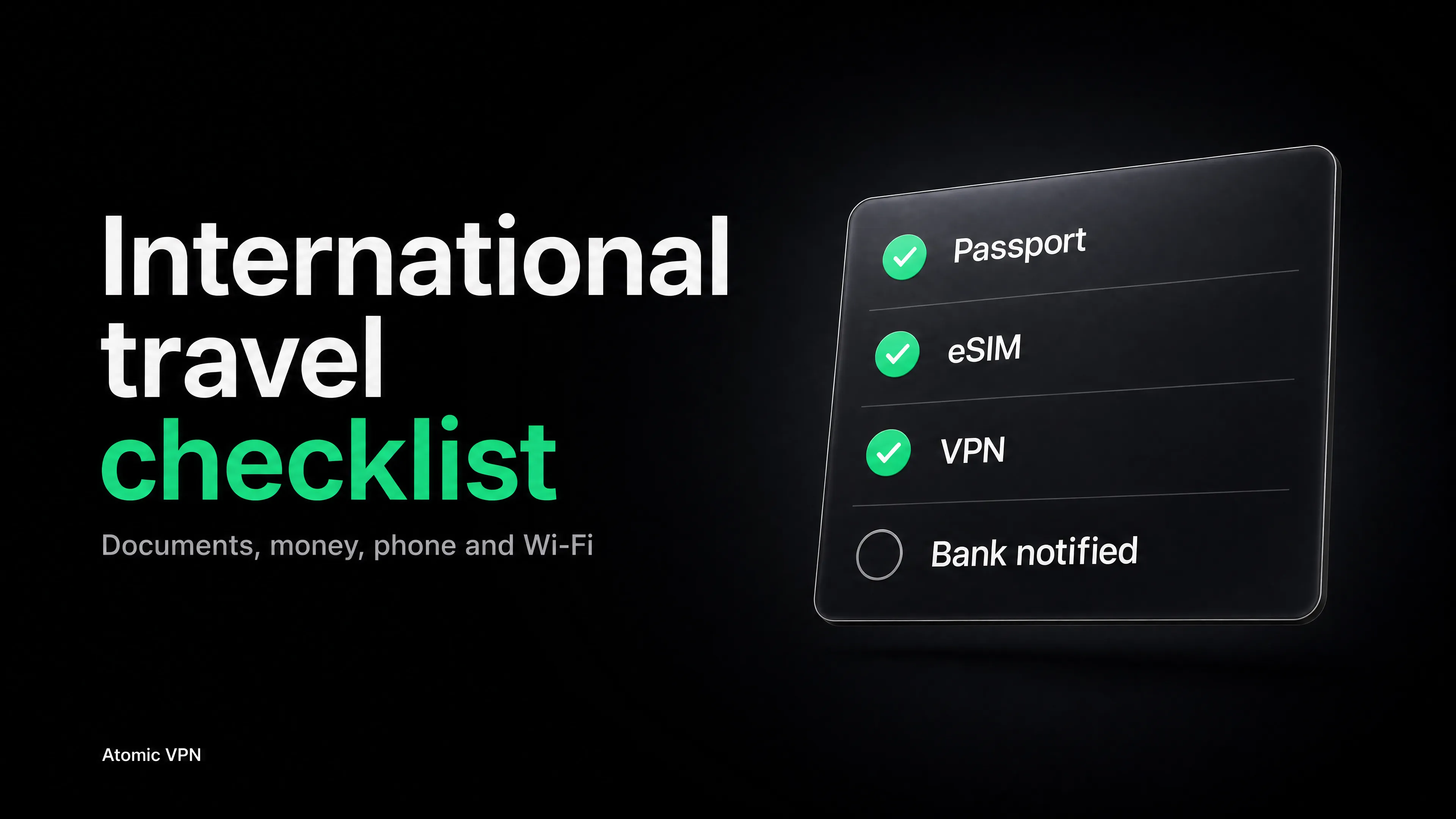
Most international travel checklists end at the packing list. That leaves out the part that goes wrong most often on a trip abroad: the phone. A card that gets blocked at a foreign ATM, a verification code that never arrives, a bank login that fails because you're suddenly "in another country", a hotel Wi-Fi you shouldn't have trusted.
This checklist covers the whole trip, in the order you'll actually do things: three months out, one month out, the last week, the day before, the airport, the hotel, and the trip home. It includes the digital steps that most lists skip.
3 months before you leave
Big items first. These are the ones that can't be fixed a week before departure.
- Check your passport. Look at the expiry date and count at least six months past your return date. Many countries enforce a minimum validity rule, and airlines will refuse boarding if you don't meet it. Renewals can take weeks.
- Check entry requirements for every country, including transit. Visa, e-visa, online travel authorization, proof of onward travel, vaccination certificates. Use the destination government's official site, or your own government's travel advice page for the country.
- Read your government's travel advisory for the destination and sign up for its traveler alert program if one exists. US citizens can enroll in the State Department's Smart Traveler Enrollment Program (STEP).
- Book travel insurance that covers medical care abroad. Check whether it covers your activities (skiing, scuba) and whether it includes evacuation.
- Check your health needs. Routine and destination-specific vaccines, prescriptions, and whether your medication is legal in the countries you're visiting. Carry medication in its original packaging with the prescription.
- Check your phone plan. Find out what your carrier charges for roaming, or decide to use a travel eSIM (more on that below).
1 month before
- Tell your bank and card issuer you're traveling. Many banks flag foreign transactions, and a frozen card on day two is a bad start. Most apps let you add travel dates in a minute.
- Carry two payment cards from different networks, such as one Visa and one Mastercard, and keep them in different places. Ask the bank what foreign transaction fees apply and whether the card has a PIN for ATMs.
- Order a small amount of local cash or plan to withdraw at an ATM on arrival. Don't count on cards working everywhere.
- Check plug types and voltage. A universal adapter is cheap. Check that your chargers support the local voltage (most phone and laptop chargers are rated 100-240 V).
- Reserve the first night's stay and arrange airport transfer. Arriving tired and unsure where to go is when people accept bad deals.
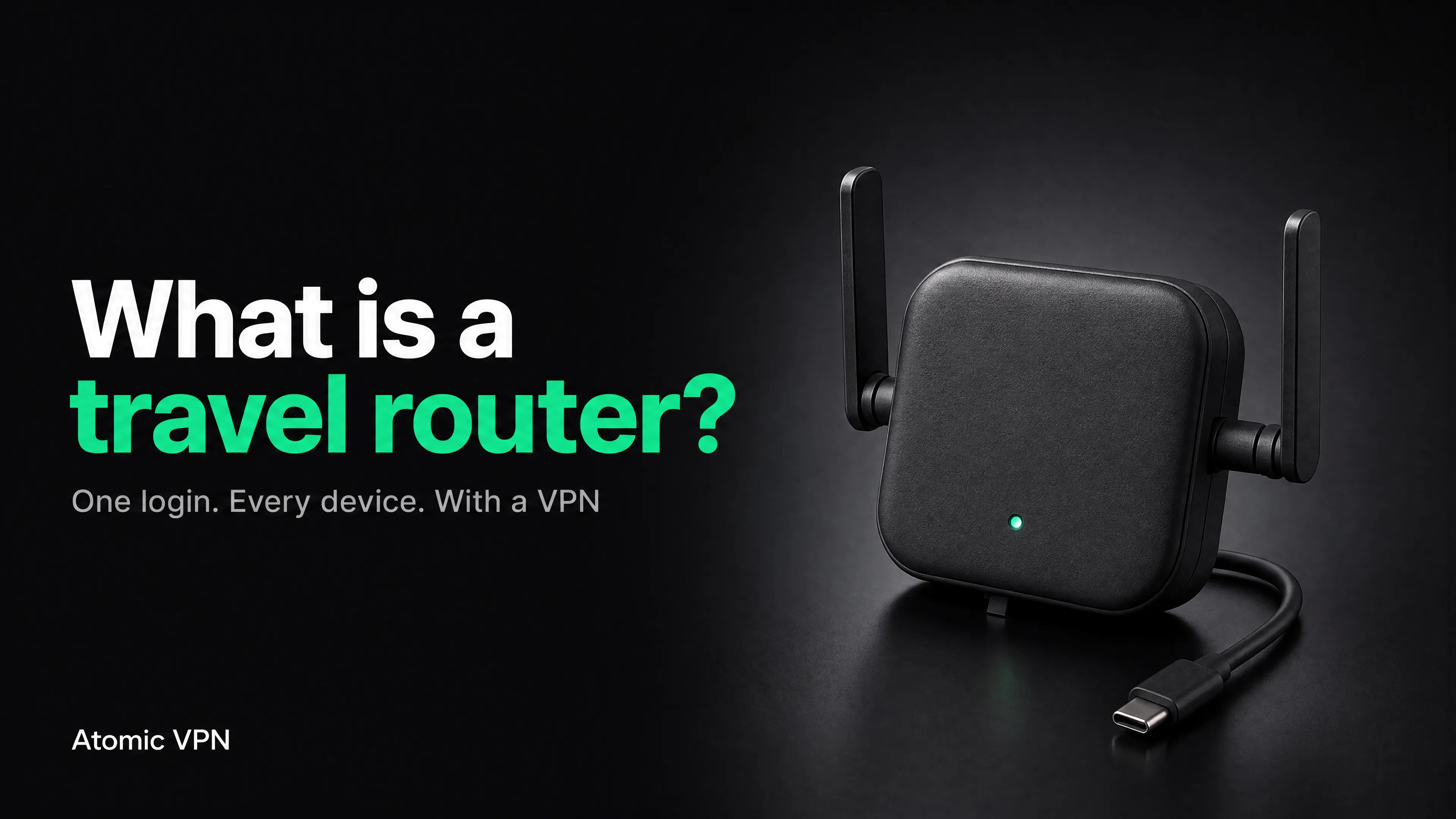
- Look up your accommodation's Wi-Fi situation. Does it have Wi-Fi in the room, an Ethernet port, a device limit? This decides whether a travel router is worth packing. Our guide to travel routers and VPNs covers that decision.
- Check your destination's rules on VPNs. Most countries allow them. A few restrict or block them. Atomic VPN does not work in mainland China, Iran or Russia, so if those are on your route, plan for that separately and check local law before you go.
2 weeks before
This is the phone and accounts section. It takes about an hour and prevents most of the "I'm abroad and locked out" problems.
- Update your phone, laptop and apps. Install operating system and security updates at home, on a fast connection you trust. Don't leave updates for hotel Wi-Fi.
- Back up your phone and laptop. Cloud backup or a local copy. If a device is lost or stolen, you want to lose a phone, not a year of photos.
- Switch SMS codes to an authenticator app where you can. SMS verification codes depend on your home number working abroad. With roaming off or a new eSIM, they may not arrive. Authenticator apps generate codes offline. Save your backup codes for your email and bank in a safe place, not just on the phone you're taking.
- Sign in to your important accounts once on your current network. Email, bank, airline, hotel, work apps. Do any "confirm this device" steps now. Logging in for the first time from another country is what triggers lockouts.
- Set up your phone's find-and-lock feature. Find My on iPhone, Find Hub on Android. Know your device's lock and remote-erase steps before you need them.
- Turn on a screen lock with a strong passcode, not a four-digit code or a pattern that smudges on the glass.
- Install a VPN and test it. Install it on every device you're bringing, connect once at home, and confirm it works. Do this at home: some countries make VPN websites and app stores hard to reach. Atomic VPN has apps for Windows, macOS, iOS and Android, and one account covers 5 devices. Details on the VPN for travel page.
- Download what you'll need offline. Maps for your destination, the airline app, boarding passes, hotel confirmations, translation language packs, and any ebooks, music or shows for the flight.
- Take photos of your documents (passport photo page, visa, insurance card, card fronts without the CVV) and store them in an encrypted or password-protected place that isn't just your camera roll. Email a copy to yourself in a protected folder if you trust the account.
Phone, eSIM and roaming: what to pick
The number-one phone question for international travelers is how to get data. You have three realistic options.
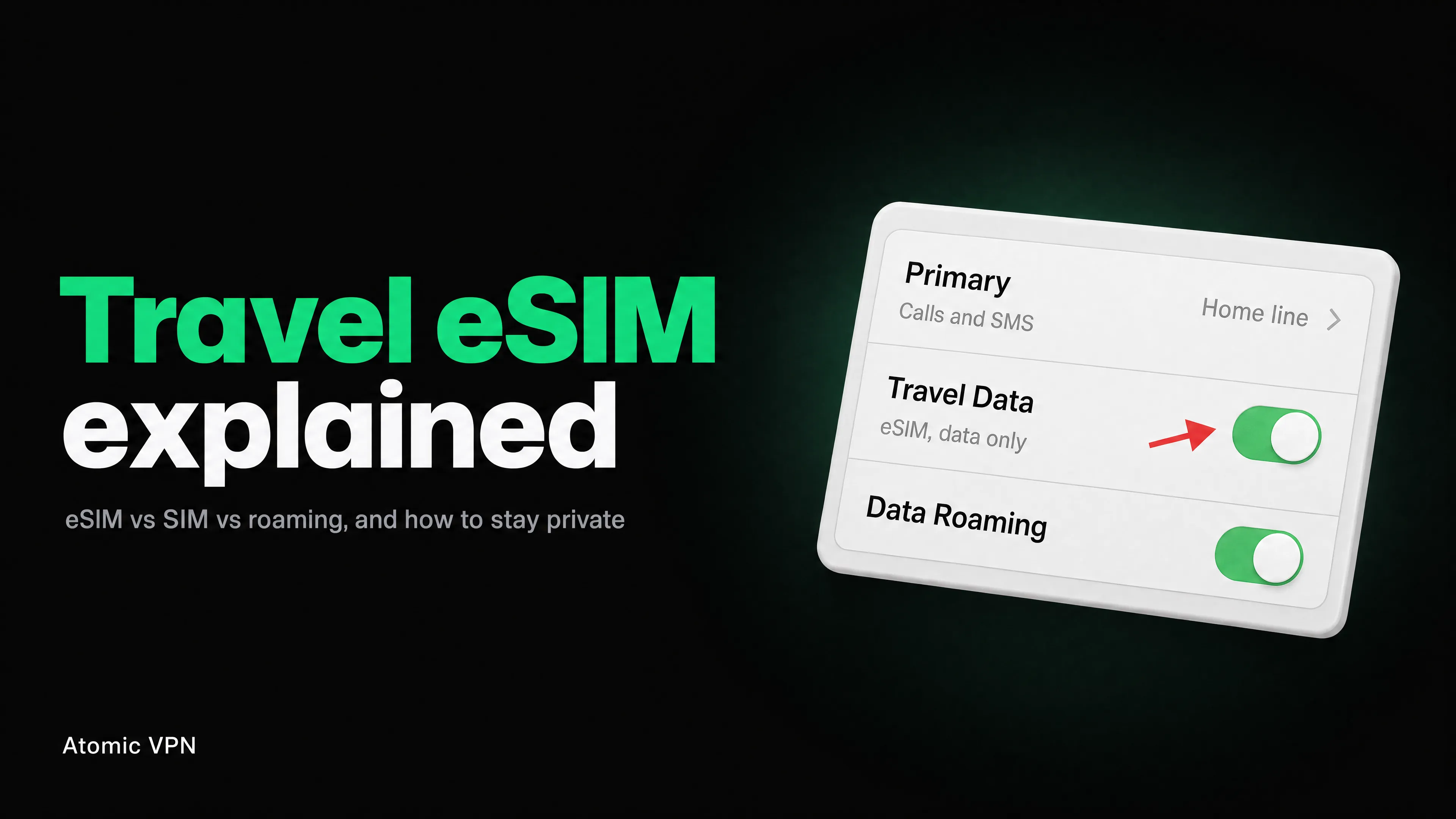
Two details people miss. First, a data-only eSIM does not carry your phone number, so SMS codes sent to your home number won't arrive unless your main line is also active (another reason to move to an authenticator app). Second, install the eSIM profile at home on a trusted network, then activate it when you land.
For more on eSIM options, see our travel eSIM guide.
Wi-Fi is the fallback, not the plan. You will still end up on hotel and airport networks, which is where the next section comes in.
Wi-Fi and device security abroad
Every network on a trip belongs to someone else: the hotel, the airport, the café, the airline. Most of the time that's fine. Occasionally it isn't, and the FBI has issued guidance warning that hotel Wi-Fi carries more risk than home Wi-Fi, recommending that travelers use a VPN or their phone's hotspot for sensitive activity.
- Turn off auto-join for open and public Wi-Fi networks. Your phone should not connect to "Free Airport WiFi" on its own.
- Get the exact Wi-Fi name from the front desk or the airport's official signs. Attackers create look-alike networks with near-identical names.
- Turn the VPN on before you open your bank, work email or any account. Order matters: join the Wi-Fi, complete the login page, switch the VPN on, then open apps.
- Never install anything a Wi-Fi login page asks for. A hotel portal that wants a "certificate", "security update" or "browser extension" is a red flag. Disconnect and use mobile data.
- Use your phone's hotspot for banking if you don't have a VPN.
- Turn off AirDrop, Bluetooth and file sharing when you aren't using them in crowded places.
- Use your own charger and cable or a power bank instead of public USB charging stations.
- Don't leave devices unlocked or unattended, including in a hotel room. Use the room safe for passports and spare cards, keep laptops out of sight.
Atomic VPN runs on WireGuard by default and can use OpenVPN on TCP port 443, which looks like ordinary HTTPS and gets through most hotel firewalls that block VPN. If the connection drops on a hotel network, switch the protocol before you give up. For the longer explanation of what hotel and airport networks can and can't see, read Is Hotel Wi-Fi Safe? and Can the Wi-Fi Owner See What You Search?.
The last week
- Check in online and download boarding passes (a screenshot works if the airline app fails).
- Confirm hotel bookings and note the address in the local language, so a taxi driver can read it.
- Set up your home: stop mail or ask someone to collect it, set lights or cameras, give someone a key and your itinerary.
- Set an out-of-office on work email if you won't be reachable, and decide who has access to what while you're gone.
- Check the weather and pack for it. Look at the local dress customs for religious sites.
- Check airline baggage rules. Weight and size limits, and what goes in the cabin: power banks and spare lithium batteries belong in carry-on baggage, not checked bags.
- Charge everything and pack cables and adapters in the same bag.
The day before
- Pack passports, visas, cards, cash and medication in the bag that stays with you. Never in checked luggage.
- Do one final connectivity test. Phone on VPN, eSIM installed, offline maps downloaded, authenticator app working.
- Leave an itinerary and copies of documents with a trusted person at home.
- Put a luggage tag with your phone number or email on every bag, plus a note inside.
- Set two alarms and check the transport to the airport.
- Turn off automatic app updates over cellular so a big download doesn't eat your roaming data.
At the airport
- Keep your passport and boarding pass in an inside pocket that's easy to reach.
- Don't join random airport Wi-Fi. If you must, use the network named on official airport signs and turn on your VPN first. Is Hotel Wi-Fi Safe? explains the risks of public networks in more detail.
- Switch your phone to airplane mode for flights, and use airline Wi-Fi only with the VPN on.
- On arrival, switch the eSIM or roaming on and check that your data works before you leave the terminal.
- Use ATMs inside the terminal or at a bank branch, not a standalone machine on the street.
At your hotel
- Connect to the hotel's official network. Confirm the name at reception.
- Log in to the Wi-Fi portal, then turn on the VPN.
- If the hotel limits devices or the login page won't load, tether to your phone, or use a travel router, which counts as a single device for the hotel and lets your laptop, tablet and console all share one login.
- Put the Do Not Disturb sign on if you leave valuables, and keep passports and spare cards in the safe.
- Check the room door and window locks the first night.
- Save the local emergency number and the address of your embassy or consulate in your phone.
The trip home
- Check customs rules for what you can bring back.
- Keep receipts for refunds and expense claims.
- Review your card statements for a few weeks after you return. Look for transactions you don't recognize.
- Change passwords for any account you logged in to on a network you weren't sure about. If you used a VPN throughout, this is optional, but it's cheap insurance.
- Turn eSIM data off or delete the profile when it's no longer needed, and reset your phone plan.
- Back up your trip photos right away.
Copy-and-paste checklist
Paste this into your notes app and tick it off as you go.
Which VPN should you use when traveling?
Pick a VPN on the things that matter during a trip: apps for every device you carry, a protocol that works on strict hotel networks, servers in the country you want to appear from, and a plan you can cancel when the trip is over.
Atomic VPN gives you 6500+ servers in 88+ countries, 5 devices on one account, OpenVPN on TCP 443 for restrictive networks, and a router option that doesn't use up a device slot. If you travel a few times a year, the annual plan costs $2 a month, and you can cancel in one click. The travel-specific details are on the VPN for travel page.
FAQ
What should be on an international travel checklist?
Documents (passport, visa, insurance), money (two cards, some local cash, a bank notice), health (vaccines, medication), your phone (eSIM or roaming, offline maps, authenticator app, backup), security (VPN, locks, safe Wi-Fi habits) and the usual packing and home tasks. The checklist above covers all of them in the order you'll need them.
How far in advance should I start preparing for international travel?
Three months is a comfortable window. Passport renewals, visas and vaccinations take the longest. Phone, bank and account steps need about two weeks.
Do I need a VPN when traveling abroad?
You don't need one to browse a site over HTTPS. A VPN helps when you join hotel, airport or café Wi-Fi you don't control, when a bank or work app flags foreign logins, and when you need to reach services from your home country. It is one of the cheaper steps on this list.
Should I use roaming, an eSIM or a local SIM?
Roaming is the easiest, eSIM is usually the best balance for trips of a week or more, and a local SIM is best for long stays. All three need an unlocked phone (for eSIM and local SIM). Install an eSIM before you fly.
Why did my bank block my card abroad?
Banks flag payments and logins from unusual countries as possible fraud. Telling your bank your travel dates and keeping a second card from a different network are the two simplest defenses. Logging in to your banking app once from a VPN server in your home country also helps avoid "new location" flags.
Is hotel Wi-Fi safe for online banking?
It's safer than it used to be, because most banking traffic is encrypted with HTTPS. It's still a network you don't control, so use a VPN or your phone's hotspot, confirm the exact network name with the hotel, and don't install anything the login page asks you to.
What documents should I carry copies of?
The passport photo page, visa or entry authorization, travel insurance card and number, hotel booking, flight confirmation and a list of your card numbers' support phone numbers (not the full card numbers). Keep copies in a protected folder, separate from the originals.
Does a VPN work in every country?
No. A VPN works in most countries, but a few block VPN traffic or restrict it by law. Atomic VPN does not work in mainland China, Iran or Russia. Check the rules for your destination and install your apps before you leave.
Should I turn off my phone's data when I land?
Turn off data roaming for your home plan if you're using an eSIM or local SIM, and switch on the new line. Otherwise you may pay roaming fees without noticing.
What should I do if my phone is lost or stolen abroad?
Lock it remotely with Find My or Find Hub, change the passwords of your email and bank, report the loss to your carrier to block the SIM, and contact your bank if you have payment cards on the device. Having a backup and an authenticator backup code makes recovery much faster.