VPN for travel: safe Wi-Fi in any country
Every network on a trip belongs to someone else. Turn on Atomic VPN and your traffic stays yours, from the airport to the hotel room.

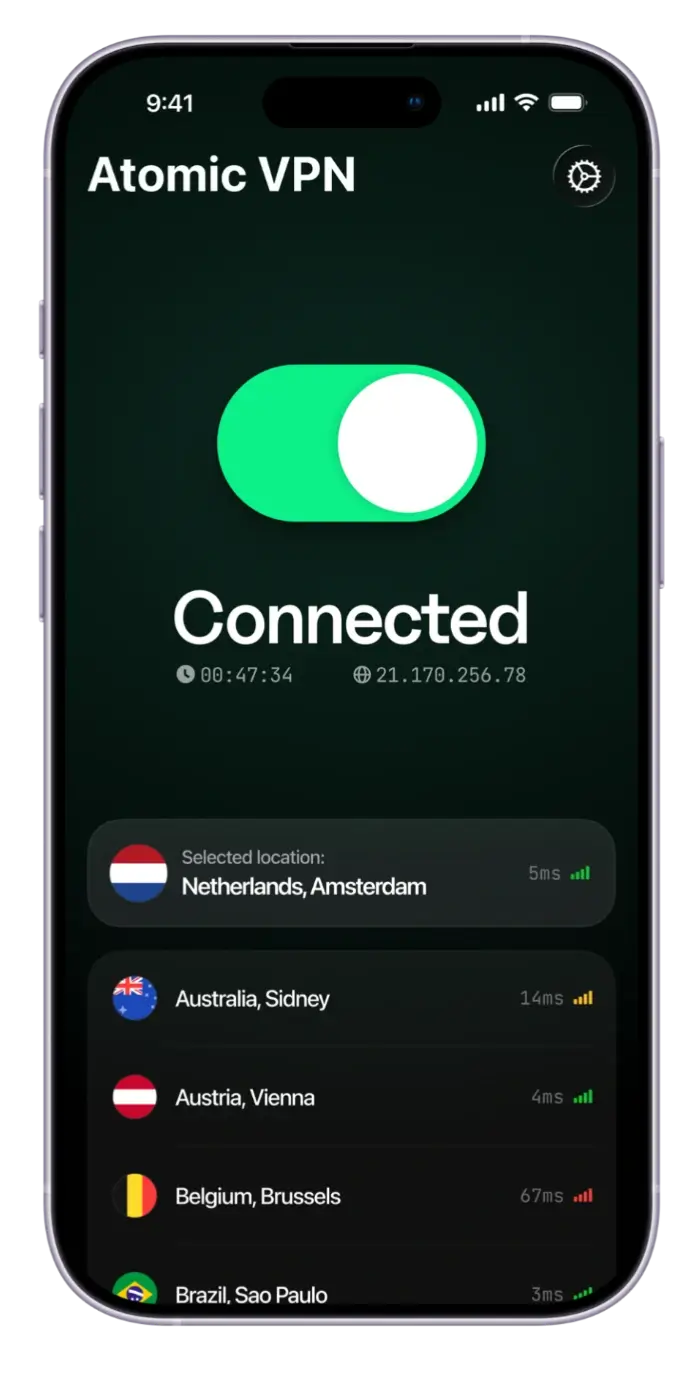
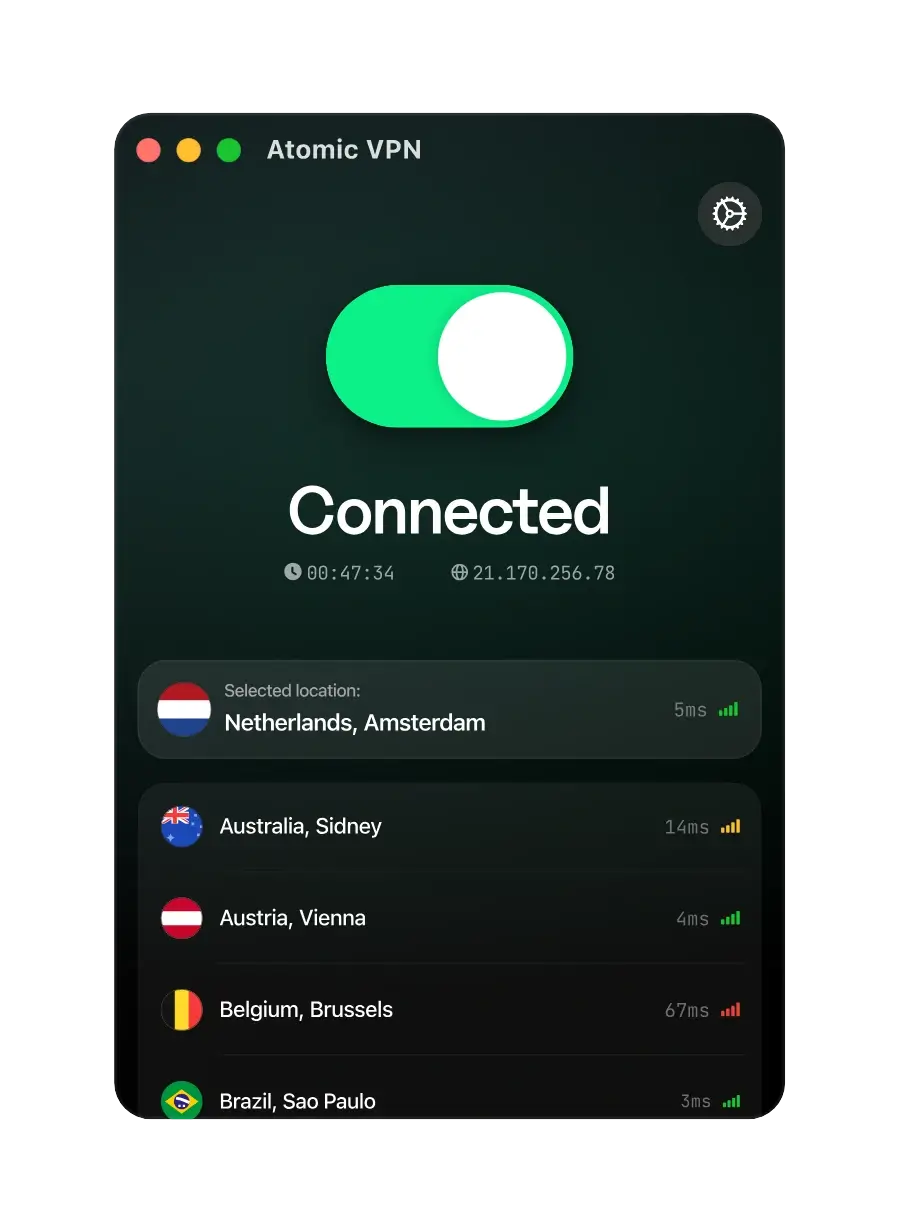
 Zero-log policy VPN
 1 account for 5 devices
 6500+ servers across 88+ countries
 1-click VPN connection
Why use a VPN for travel
A VPN for travel does one job well: it puts an encrypted tunnel between your device and whatever network you join on the road. Hotel Wi-Fi, an airport hotspot, a café in a city you've never seen. Everyone on that network, including whoever runs it, sees a connection to a VPN server, not the sites you open.
With 6500+ servers in 88+ countries, there's usually one close to wherever you land. Install the app before you fly: in some countries VPN sites are hard to reach.
What can go wrong abroad
Four problems travelers hit, and how Atomic VPN handles each.

Hotel Wi-Fi is shared
One password for the whole building. Atomic VPN encrypts your traffic before it leaves.

Banks flag foreign IPs
A login from a new country can freeze a card. Use a home server and your bank sees home.
Some networks block VPNs
OpenVPN over TCP 443 looks like ordinary HTTPS and gets through most hotel firewalls.

More than one device
Laptop, Android phone, travel router: 5 devices on one plan. The router takes no slot.
Pick a term. Everything else is the same
VPN for travel: common questions
Yes, if you'll use hotel, airport or café Wi-Fi. A VPN encrypts your traffic on networks you don't control and lets you connect through a server in your home country for banking and your usual apps.
Not on its own. A room password keeps strangers off the network, not other guests. Anyone on the same network, and the hotel itself, can see which sites you visit. With a VPN on, they see one encrypted connection.
Yes. Connect to a server in your home country before you open the banking app. The bank sees a familiar IP, which lowers the chance of a blocked login or a fraud alert, and your details stay encrypted on public Wi-Fi.
Yes. Some countries restrict VPN websites and app stores, and hotel Wi-Fi is a poor place to download anything. Install Atomic VPN at home on Windows, macOS or Android and test one connection before you leave.
No. VPNs are legal in most of Europe, the Americas and Asia-Pacific, but some countries restrict or ban them, including China, Russia and Iran. Check the rules for your destination before you connect.
Only a little. Encryption adds a few percent of overhead, and WireGuard keeps it small. Roaming charges depend on your physical location and carrier, not on which VPN server you pick.






Pack it before you go
Set up Atomic VPN at home, test one connection and travel with every network covered. From $2/mo on the annual plan.