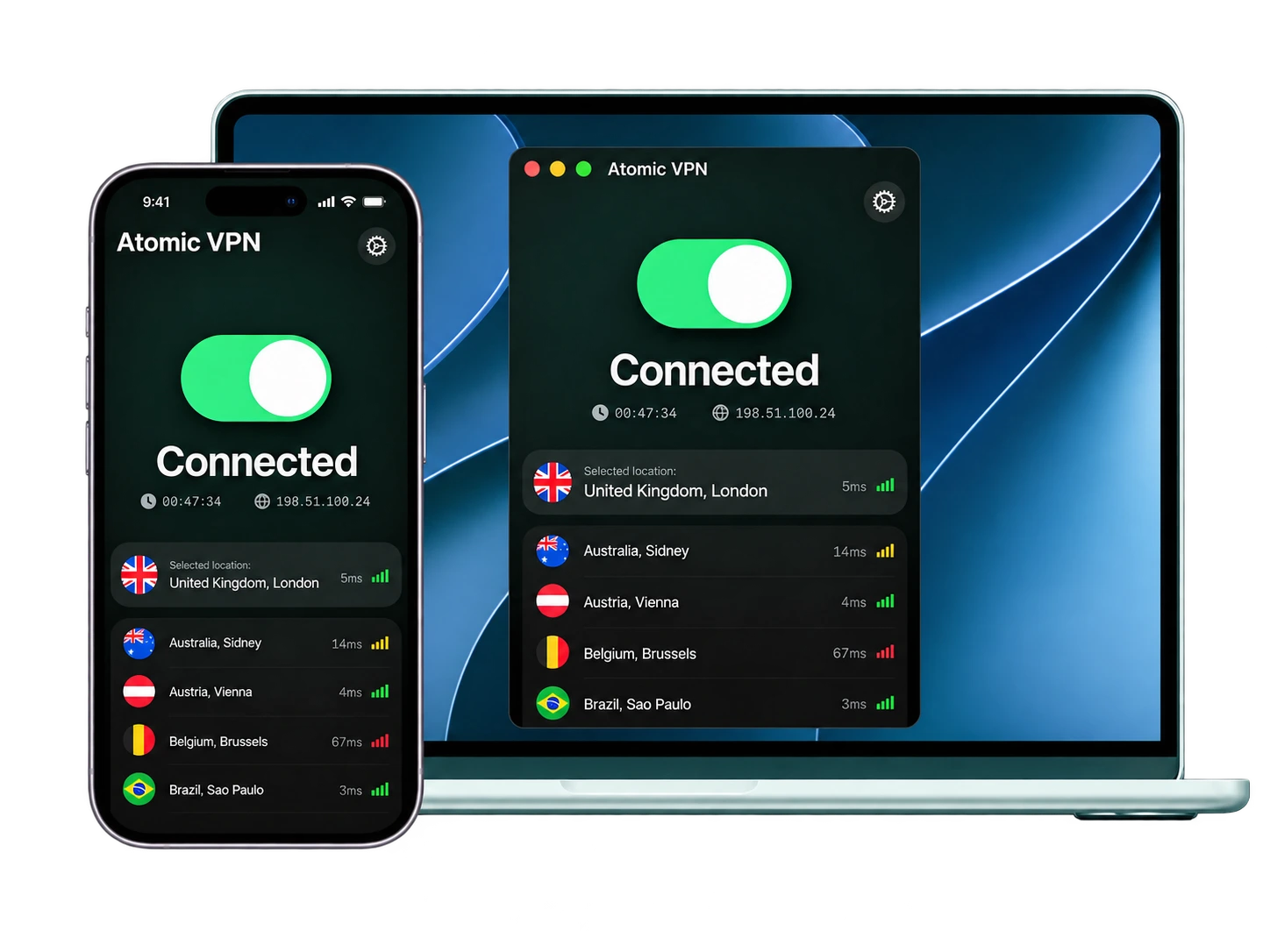
VPN download for Windows, Mac and Android
Atomic VPN is free to download. To connect you need a plan, from $1.99 a month billed $23.99 once a year. One account covers 5 devices.


How to download and install a VPN on your device
Every device takes the same three moves. Download, sign in, connect. What changes is the prompt your system shows on the way. Those are listed below.
For the plan you'll need an email address and a card or crypto (BTC, XMR or USDT). That's all your account holds.

Windows
1. Download the installer (.exe).
2. Open the file. Windows asks if the app can make changes. Click Yes.
3. Finish the installer and open Atomic VPN.
4. Sign in and click Connect.

macOS
1. Download the .dmg file.
2. Open it and drag Atomic VPN into Applications.
3. Open the app. macOS asks to add VPN configurations. Click Allow.
4. Sign in and click Connect.

Android
1. Open Atomic VPN on Google Play and tap Install.
2. Open the app and sign in.
3. Tap Connect. The first time, Android asks you to allow a VPN connection. Tap OK.
The iOS app for iPhone and iPad is coming soon.
How to tell a VPN download is the real one
A VPN app sees all of your traffic. A fake one sees it too, which is why the source matters more than the logo. Get Atomic VPN only from atomicvpn.io or its Google Play listing. Our Windows and Mac files come from updates.atomicvpn.io.
Skip APK mirror sites. A file from a mirror can be modified. It also won't get updates through Google Play. Ignore "premium unlocked" builds of any VPN. A cracked VPN is a VPN run by whoever cracked it.
Don't install a VPN from a pop-up that says your phone is infected. That's an ad, not a warning. In app stores, look at the developer name and how old the reviews are. Clones copy the icon. They can't copy the history. Got Atomic VPN from somewhere else? Uninstall it and get a fresh copy from this page.
What to turn on after you install
The defaults work for most people. These six settings are still worth a minute.

Kill switch
If the VPN drops, the kill switch blocks traffic until the tunnel is back. Nothing slips out over your normal connection. On Windows, macOS and Android.
Wi-Fi auto-connect
The app connects before your laptop starts talking to a hotel or airport network. On Windows and macOS.

WireGuard as the protocol
It's the default and the fastest option in the app. Try OpenVPN or IKEv2 only when a network won't let WireGuard connect.

Split tunneling
Send chosen apps outside the VPN. Handy for a banking app that dislikes VPN IPs or a printer on your home network. On Windows, macOS and Android.

A server near you
Distance adds delay. On a nearby server most people lose less than 10% of their speed.

One DNS leak test
Run it once while connected. The results should show our servers, not your internet provider. The app has DNS leak protection built in. The test just confirms it.
Is the VPN download free?
The download is free on every platform. Connecting needs a plan. There's no free tier. That's on purpose. Servers cost money. Free VPN apps usually cover it with ads, data caps, slow servers or data about you. We'd rather charge $1.99 a month and keep none of it.
On the yearly plan that's $23.99 once a year. Spread across 5 devices it comes to $4.80 per device for the whole year. Month to month it's $5.99, still below the $10 to $15 most big VPN brands charge (approximate, prices as of October 2026). Every plan has unlimited data, no ads and every feature.
We can't hand over what we never kept
What stands behind the network
Pick a term. Everything else is the same
Questions about downloading Atomic VPN
No. Download first and sign in when the app opens. To connect you need an account with an active plan. The account holds an email address and a payment method. Nothing else.
Five on one account. A VPN set up on your router covers every device at home and doesn't take one of the five slots.
A little. On a nearby server most people see less than a 10% drop. With WireGuard on a 1 Gbps line to a server in the same city, speeds reach about 890 Mbps.
In most countries, yes. A few restrict or ban VPNs. Check the rules before you travel. What you do over the VPN still has to be legal where you are.
Not yet. The iOS app is coming soon. Right now Atomic VPN runs on Windows, macOS and Android.
In account settings, with one click. Your plan keeps working until the end of the term you paid for. No phone call, no retention offers.
Download Atomic VPN for $1.99 a month
Windows, macOS and Android on one account. $23.99 billed once a year. Cancel in one click.