What is my IP address? Check your IP and location
See your public IP address, location and internet provider in one click, plus WebRTC and IPv6 leaks and what they reveal. Free, and it runs in your browser.
Look up any IP address
Enter an IPv4 or IPv6 address to see its country, city, internet provider and time zone.
What your IP address reveals
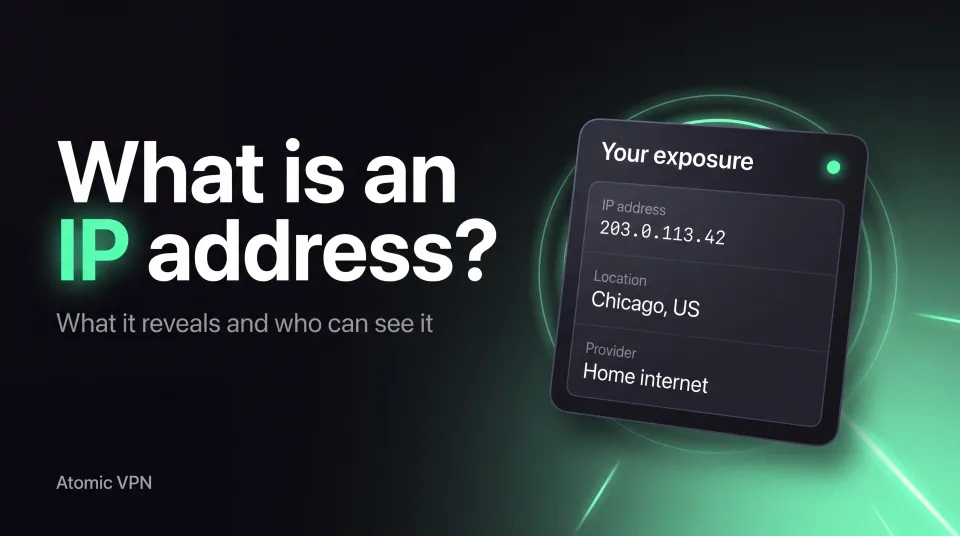
Your IP shows roughly where you are and who your provider is, not who you are.
Why use a VPN?
A VPN encrypts your traffic and sends it through a server of its own. Websites, Wi-Fi owners and your internet provider see that server, not you.
That keeps your real IP and location private, protects you on public Wi-Fi and stops your provider from logging every site you open. The test above shows whether your connection already does that.
Without a VPN
You→Wi-Fi / ISP→Website
- The network sees every site you open
- The website sees your real IP and city
With Atomic VPN
You→VPN server→Website
- The network sees only encrypted traffic
- The website sees the server's IP
Want an IP from another country?
 United States
 United Kingdom
 Canada
 Germany
 France
 Japan
Japan Netherlands
 Australia
 Switzerland
 Singapore
Pick a term. Everything else is the same
IP address: common questions
Your IP address is the public number websites see when you connect, shown at the top of this page. It usually points to your internet provider and a nearby city, not to your home.
IP location comes from databases that often match your provider's equipment, not your home, so the city can be wrong. It is an estimate, never your street address.
Websites can see your approximate location and provider, usually down to a city or region. Only your provider can tie an IP to your account, and they do not hand that out to websites.
No. Private browsing only stops your browser from saving history and cookies. Websites and the network you use still see your IP address.
Connect to a VPN. Websites then see the VPN server's IP instead of yours. Run this check again after connecting to confirm the change.
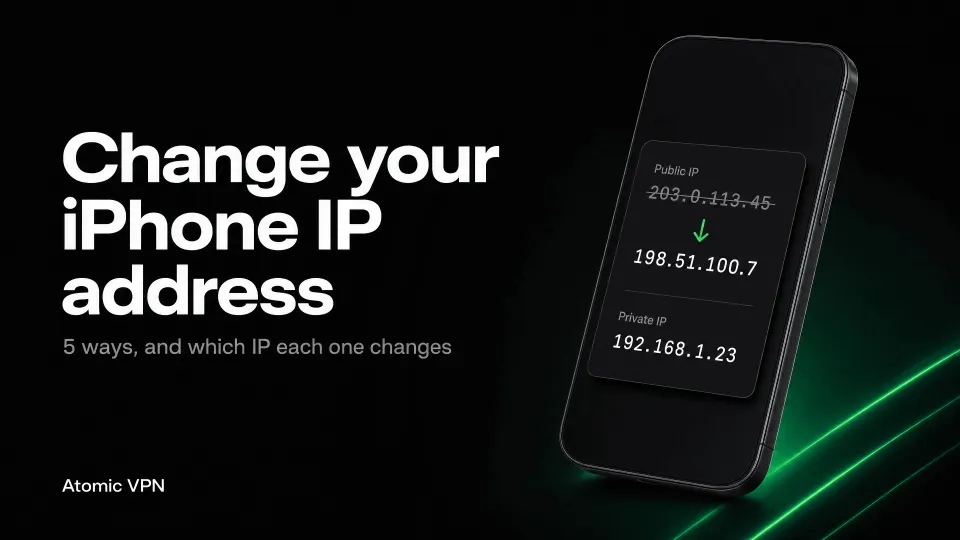
Your public IP is what websites see and comes from your provider. A private IP like 192.168.x.x only identifies your device inside your home network and is never shown to websites.
IP and privacy guides
Hide your IP with Atomic VPN
Connect to a server in 88+ countries, run the test again and watch your IP change. From $2 a month on the yearly plan.