You click Play, the loading screen spins, and Roblox shows "Failed to connect to the Game. (ID = 17: Connection attempt failed.) (Error Code: 279)". Roblox didn't ban you. Error 279 means your device couldn't reach the game server in time.
This guide helps you find the cause in a minute and fix it, starting with the fastest options.
Error 279 is a connection error, not a ban. The app couldn't reach the game server.
- Check first: one game or every game? Wi-Fi only, or mobile data too?
- One game fails: the game is broken or full. Join another server or wait.
- Every game fails on Wi-Fi, works on mobile data: your router, firewall or network blocks Roblox.
- Fixes that work most often: restart the router, log out and in, allow Roblox in the firewall, set the router firewall to medium, reinstall.
What does error code 279 mean?
Roblox's own support page says error 279 "usually happens" when the app and the servers "are having trouble establishing a network connection". The "ID 17" part means the connection attempt itself failed, before the game loaded.
Common causes:
- Your internet dropped or is too slow at that moment.
- A firewall (Windows, antivirus or router) blocks the connection Roblox uses for gameplay.
- The network blocks Roblox on purpose, which is common at schools, offices and some public Wi-Fi.
- The game you're joining has a broken server or a script error (developer side).
- Roblox itself has an outage.
- A corrupted app install or stuck login.
Is Roblox error code 279 a ban?
Error 279
- You see
- "Failed to connect to the Game. (ID = 17)"
- App and avatar
- Open and work as usual
- Affects
- One game or one network
- Goes away
- After a fix or a short wait
Account ban
- You see
- A separate screen with a reason and a date
- App and avatar
- Blocked by the ban screen
- Affects
- Every game, every device
- Goes away
- When the ban ends or an appeal succeeds
No. Bans show a separate screen with a reason and a date, and they block your account from every game. Error 279 is a connection failure. If you can open the Roblox app, see your avatar and browse games, your account is fine.
Step 1: Find out where the problem is
Two quick tests save a lot of time:
Three taps. The answer tells you which fixes to try first.
01Do other popular games fail too?
02Does status.roblox.com show an outage?
03Try mobile data, or another device on the same Wi-Fi.
10 fixes for Roblox error code 279
Go in order. Most people are back in by fix 4.
1. Rejoin or pick another server
If only one game fails, open the game page, scroll to Servers and join a different one. Busy servers sometimes reject new players.
2. Log out and log back in
Players on r/RobloxHelp report that a stuck session, often from being logged in on two devices at once, causes 279. Log out of Roblox everywhere, then log in on one device.
3. Restart your router and device
Turn the router off, wait 30 seconds, turn it back on. Restart the phone, PC or console too. This clears stuck connections on both ends.
4. Allow Roblox through the firewall (Windows)
- Open Start, type Allow an app through Windows Firewall and open it.
- Click Change settings.
- Find Roblox (and RobloxPlayerBeta) and tick both Private and Public.
- If Roblox isn't listed, click Allow another app and add it.
If you use antivirus with its own firewall (Norton, McAfee, Avast and others), add Roblox as an exception there too, or pause the firewall for one test.
5. Lower your router's firewall level
This fix comes up again and again on Reddit: routers set to a strict or high firewall can block Roblox gameplay traffic. Roblox uses UDP ports in the range 49152-65535 for games.
- Open your router's admin page (the address is on the router sticker, often 192.168.0.1 or 192.168.1.1).
- Find Firewall or Security.
- Change the level from strict/high to medium or moderate.
- Restart the router and test.
If you share the home network, ask whoever manages it before changing settings.
6. Turn off a VPN or proxy, or switch servers
If you're already using a VPN, a far-away or overloaded server can cause timeouts. Turn it off and test. If Roblox works without it, reconnect to a closer server.
7. Use a different browser to launch (PC and Mac)
If you start games from the website, the browser launches the app. Clear the browser cache or try another browser. Extensions that block scripts or trackers can break the launch.
8. Reinstall Roblox and clear its data
Roblox recommends this for 279 on Windows:
- Uninstall Roblox (Settings > Apps > Installed apps > Roblox > Uninstall).
- Press Win + R, type %localappdata% and press Enter.
- Delete the Roblox folder.
- Restart the PC and install Roblox again from roblox.com or the Microsoft Store.
On iPhone and Android: delete the app, restart the phone, reinstall from the App Store or Google Play. On Mac, also check System Settings > Privacy & Security and allow Roblox if it's blocked.
9. Change your DNS
A slow or broken DNS from your internet provider can make connections time out. Switch to a public DNS like Cloudflare (1.1.1.1) or Google (8.8.8.8) in your router or device network settings. If your network then shows a message about blocked encrypted DNS, see This Network Is Blocking Encrypted DNS Traffic.
10. Contact your internet provider
Roblox's last step is to contact your provider if nothing else works. Ask them whether they block or limit gaming traffic, and whether your connection has packet loss. Sometimes the issue is bad routing between your provider and Roblox's servers.
Error 279 on school or work Wi-Fi
Schools and offices often block Roblox on their network on purpose. You'll usually see the app open but games fail to join, which looks exactly like error 279.
That's the network's rule, not a bug. On your own data plan or at home Roblox will work as usual. We don't recommend getting around school or work blocks: it can break the network's acceptable use policy and get you in trouble.
Can a VPN fix Roblox error 279?
Sometimes, and it depends on the cause.
A VPN can help when:
Will a VPN fix it? Depends on the cause
A VPN won't help when:
- The game itself is broken or Roblox is down.
- The problem is your app install or firewall on your device.
A VPN can cause 279 when the server is far away or overloaded. Pick a server close to you, and if Roblox still won't connect, turn the VPN off for gaming.
A VPN also hides your IP from other players and from links people send in game chats. That matters more than most players think: see What Is Grabify?
Atomic VPN works on Windows, macOS and Android (iOS coming soon) and uses WireGuard by default for low overhead. How to set up a VPN.
For game developers: error 279 in your own game
If players get 279 only in your experience, the server may be crashing or timing out on start. Common reasons discussed on the Roblox DevForum: heavy scripts that run before the player loads, too many parts or assets loaded at once, and server scripts that error early. Check the Developer Console (F9) and server logs in Studio, and test with the Network simulation set to a slow connection.
For gamers
Play on any Wi-Fi without showing your IP
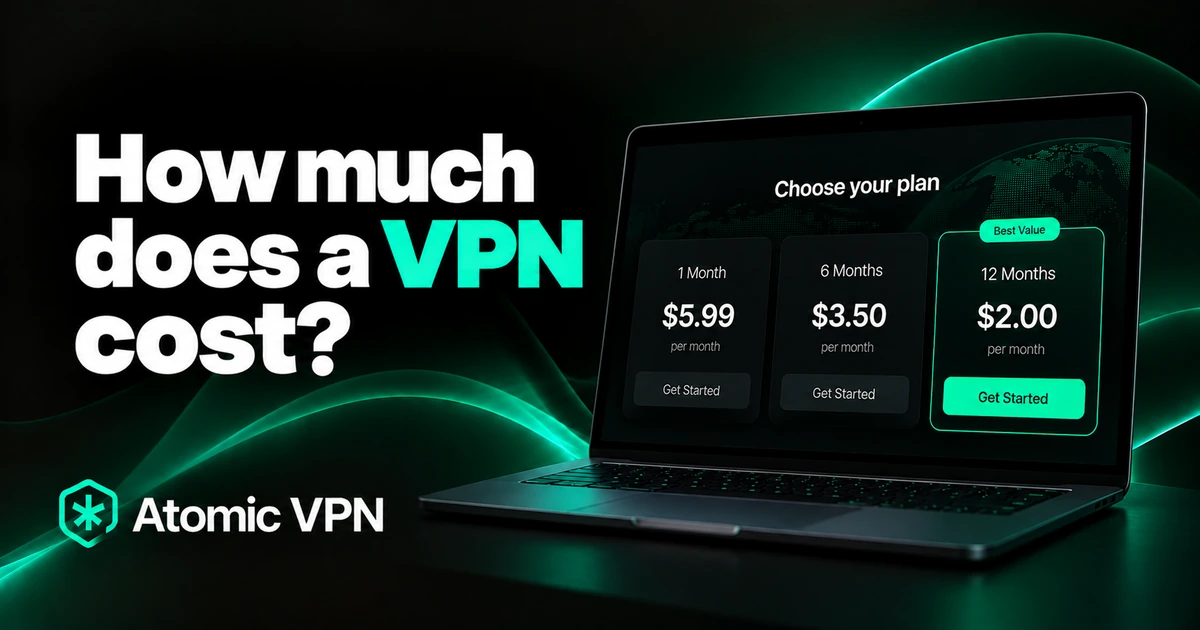
Atomic VPN hides your IP from other players and from links in game chats, at home or on hotel Wi-Fi. Windows, macOS and Android, iOS coming soon. From $2 a month on the yearly plan.
FAQ
What does error code 279 mean on Roblox?
It means the Roblox app couldn't connect to the game server. The full message is "Failed to connect to the Game. (ID = 17: Connection attempt failed.)"
Is error code 279 a ban?
No. It's a connection error. A ban shows its own screen with a reason and blocks your account from every game.
Why does Roblox work on mobile data but not Wi-Fi?
Your Wi-Fi network or router is blocking or slowing the connection Roblox uses. Restart the router, lower its firewall level, or check whether the network blocks Roblox on purpose.
How do I fix error 279 on mobile?
Restart your phone, switch between Wi-Fi and mobile data, log out and back in, and reinstall the Roblox app if it keeps happening.
Does a VPN fix error code 279?
It can when your provider or network is the problem, by sending traffic a different way. It won't help if Roblox is down or the game is broken, and a far-away VPN server can cause the error.
Why do I get error 279 in only one game?
The game's servers or scripts are failing. Try another server of the same game, or wait for the developer to fix it.