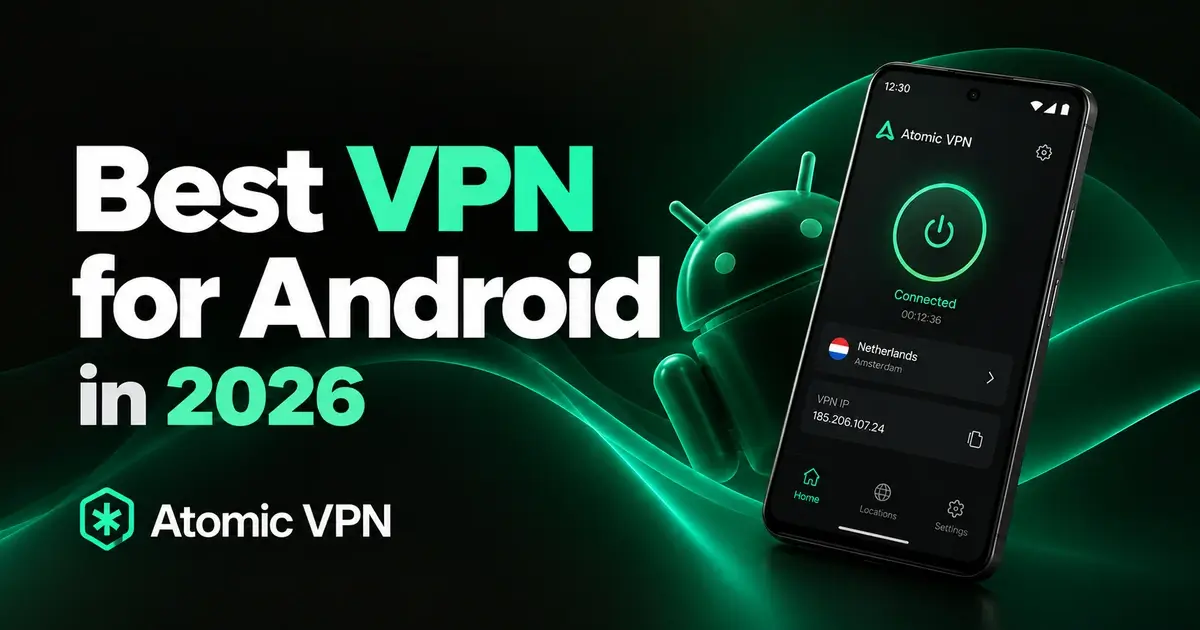
The best VPN for Android protects your phone on public Wi-Fi and mobile data, reconnects without fuss and doesn't drain the battery. Atomic VPN is our top pick on price and privacy. It costs $2 a month on the yearly plan, has an audited no-log policy and comes with a kill switch and split tunneling on Android. Below you'll find when a phone actually needs a VPN, five apps worth installing and what Android can already do on its own.
Do Android phones need a VPN?
Not always, but more often than most people think. Your phone joins networks you don't control all day, from cafe Wi-Fi to hotel and airport hotspots. On those networks, a VPN hides which sites and apps you use from whoever runs the network.
A VPN on Android also helps in a few other cases:
- On mobile data. Your carrier can see which sites you visit. With a VPN, it only sees an encrypted connection to a VPN server.
- When you travel. Some banks and services flag logins from abroad. Connecting through a server back home keeps your accounts on familiar ground.
- On blocked networks. Schools, offices and some countries block sites. A VPN often gets you past those blocks.
You can skip it if your phone mostly stays on your own home Wi-Fi and you don't mind what your internet provider sees. A VPN also won't stop phishing texts or malware you've already installed. For that, keep Android updated and install apps only from Google Play.
The best VPN for Android, picked by what you need
Here's our pick of the best VPN for Android, plus four alternatives. All five apps are on Google Play. Atomic VPN comes first on price and privacy, comparing yearly plan with yearly plan and monthly plan with monthly plan. Each of the other four wins in one area, so pick the one that matches how you use your phone. Prices are from October 2026 and change with promotions. Our comparison page also has a feature-by-feature view.
Best value: Atomic VPN
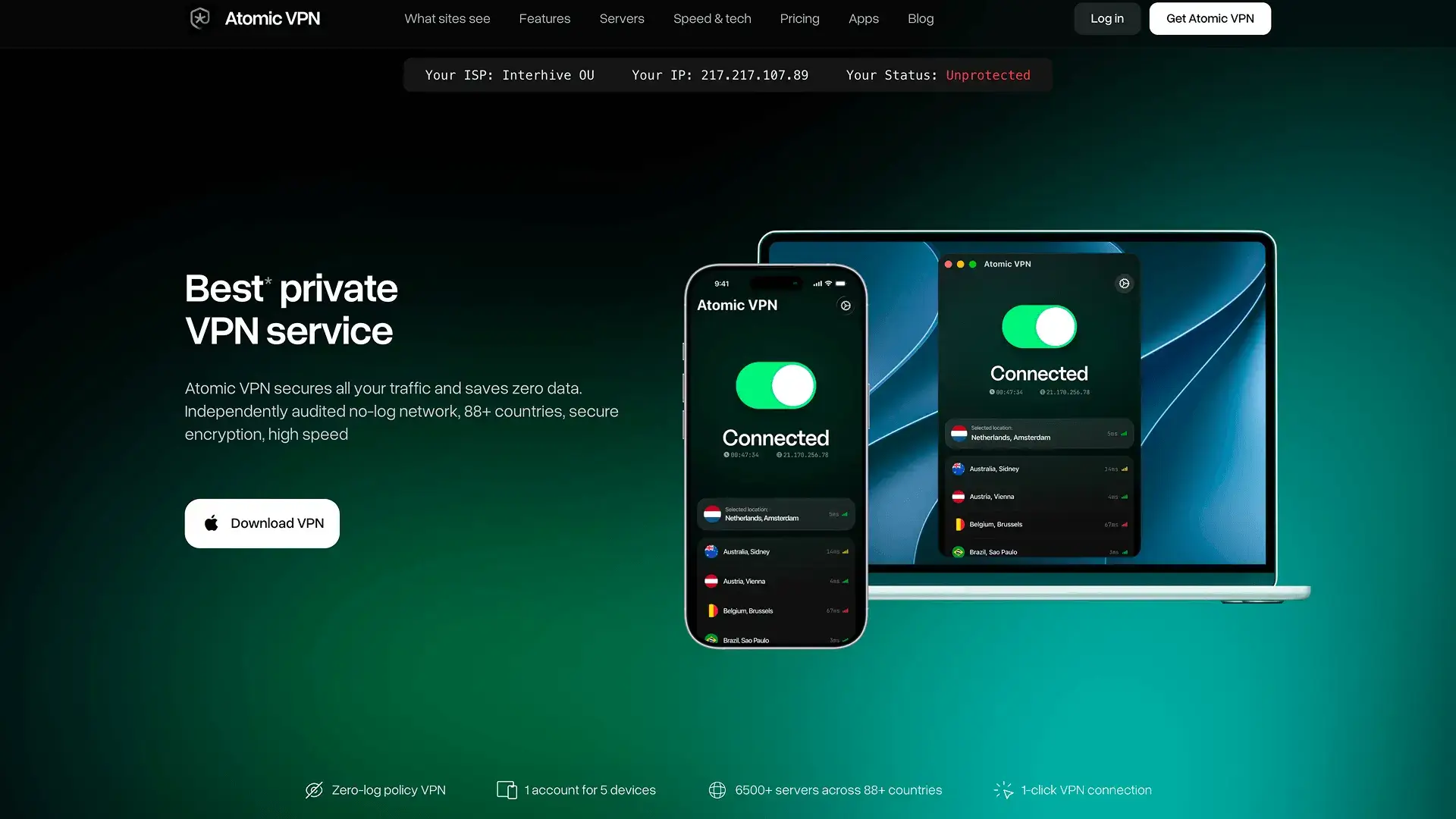
Atomic VPN is the best VPN for Android if you want the full feature set for the lowest price in this list. You pay $2 a month on the yearly plan, billed $24 once a year. Monthly billing costs $5.99. Also, every plan includes the same features, with unlimited data and no ads.
The Android app connects over WireGuard by default, with OpenVPN and IKEv2/IPsec as alternatives. It has a kill switch and split tunneling. It also protects against DNS leaks, so your lookups don't slip past the tunnel.
Phones switch networks constantly. This is where the app earns its keep. It reconnects in about 0.2 seconds when you move from Wi-Fi to mobile data. It also turns on by itself when you join an unfamiliar Wi-Fi network. On a nearby server, most users see less than a 10% drop in speed.
Nothing you do online gets logged, which an independent audit has confirmed. Its servers run in RAM only. To sign up you need just an email and a payment method. Crypto in BTC, XMR or USDT works as well.
Your plan covers 5 devices at the same time. A router setup also protects every device on your home Wi-Fi without using a slot.
Most features: NordVPN

NordVPN is one of the best-known VPN brands. Its Android app has a few tools that its desktop apps lack. Tapjacking Protection warns you when an app tries to hide what a tap will really do. Scam call filtering screens incoming numbers. Gizmodo's Android tests found it fast but heavier on battery.
The app also has split tunneling and can connect on its own when you join an unsecured network. One catch is that Threat Protection in the Google Play version doesn't block ads on the sites you visit.
Its Basic plan costs $5.49 a month for the first year (billed $65.88), then renews at $139.08 a year. Month to month, it's $14.99. It covers 10 devices.
NordVPN suits people who want the biggest feature set and don't mind the priciest plan in this group.
Privacy first: Proton VPN
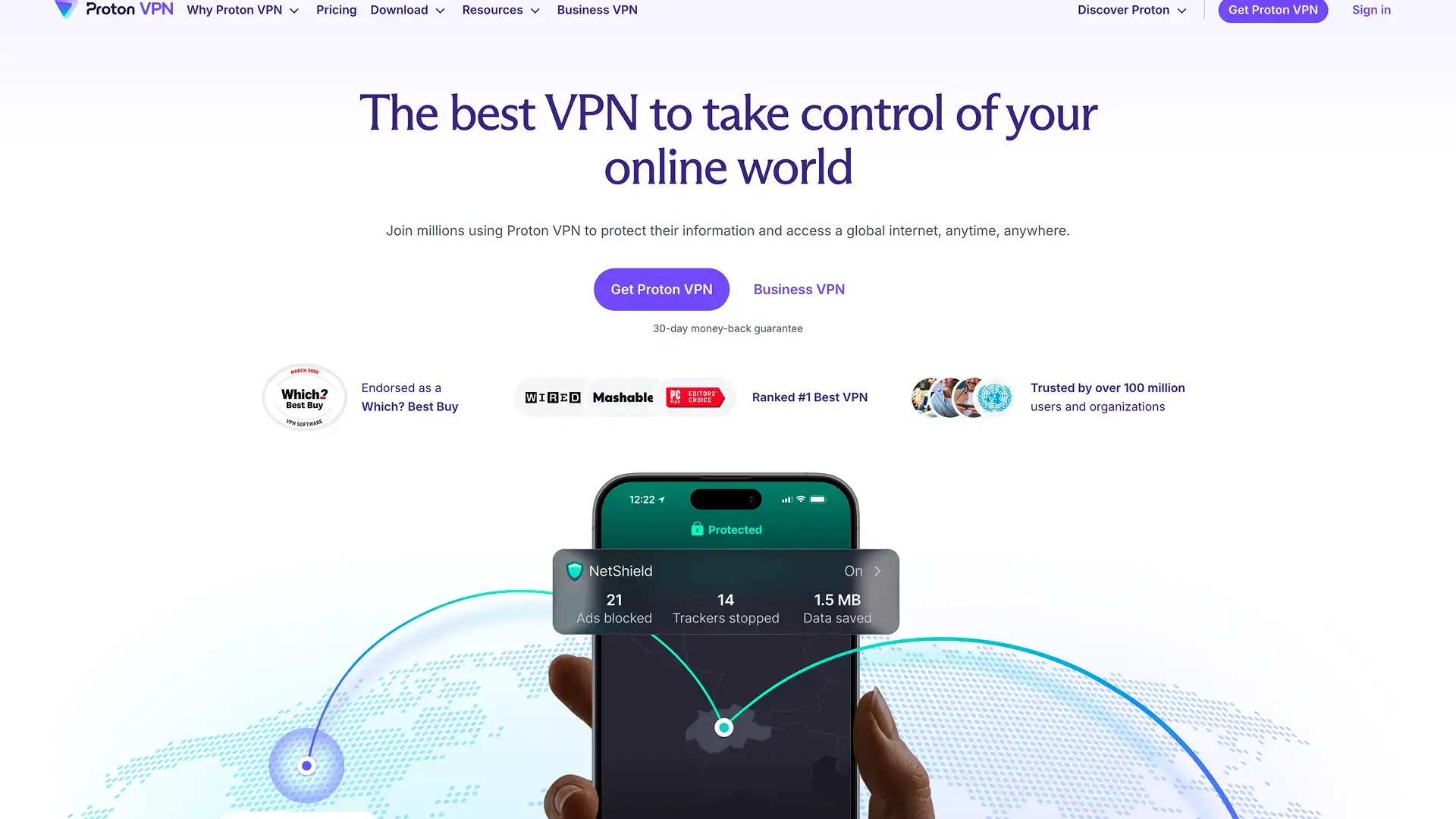
Proton VPN comes from the Swiss team behind Proton Mail. On Android, it has gone all in on modern protocols. In April 2026 it removed OpenVPN from the Android app, so connections now run on WireGuard or Stealth. Stealth is Proton's own protocol that makes VPN traffic look like ordinary HTTPS, which helps on networks that block VPNs.
Split tunneling on Android goes further than most apps. You can include or exclude apps, websites and even whole IP ranges. Paid plans also add NetShield, which blocks ads, trackers and malware domains. Secure Core routes your traffic through an extra server first.
On a yearly plan, Proton costs about $4 a month. The monthly plan is $9.99. Either way, you can protect 10 devices.
Proton VPN suits privacy-minded users on restrictive networks, such as at school, at work or abroad.
Unlimited devices: Private Internet Access
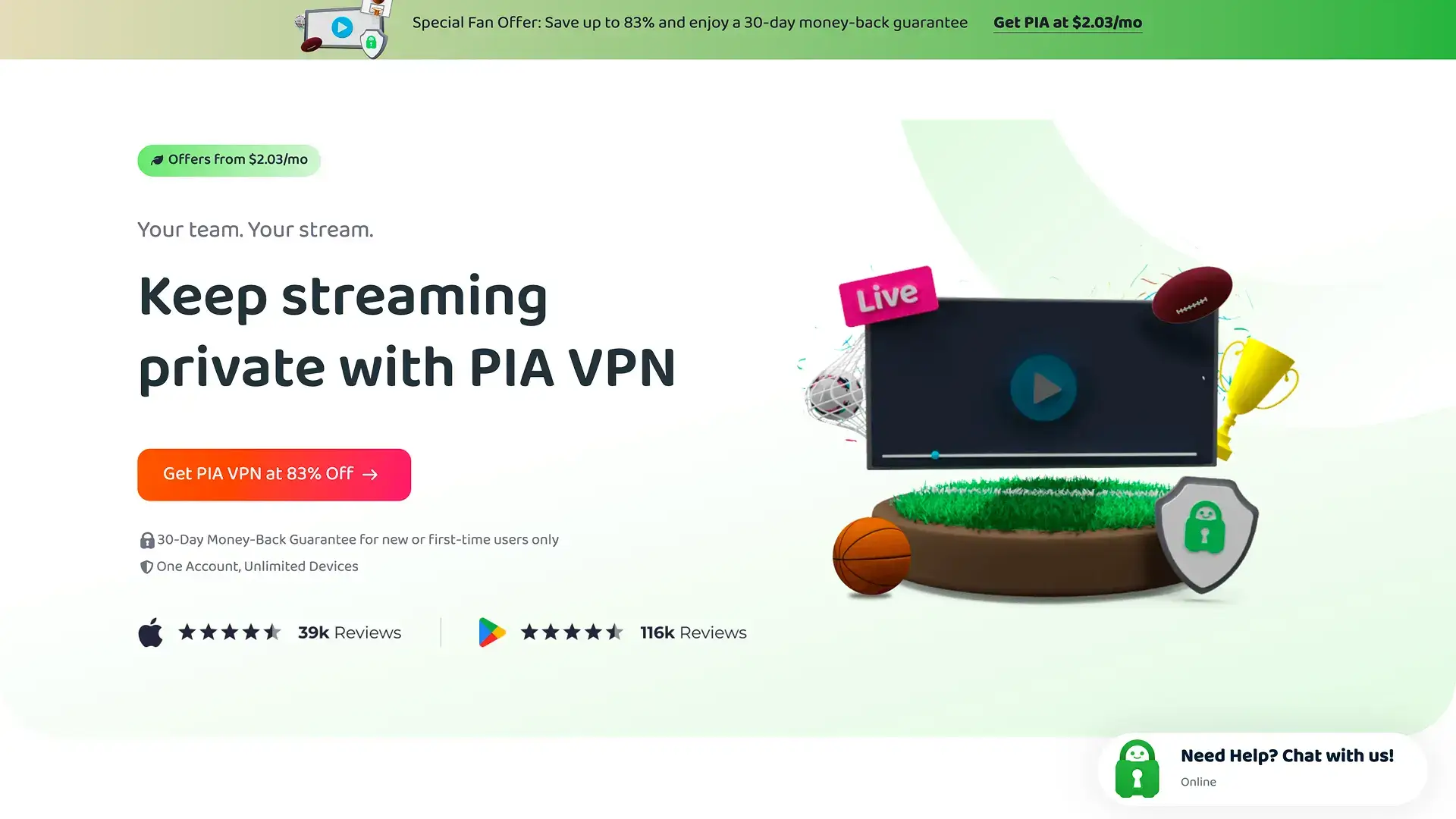
Private Internet Access, usually called PIA, lets one plan cover as many devices as you like. Its yearly plan costs about $3.99 a month (billed $47.88) and renews at the same price. The monthly plan costs $11.95.
PIA's Android app includes MACE, a built-in blocker for ads, trackers and malware domains. Its apps are open source too. The company is based in the US. Its plans come with a 30-day money-back guarantee.
PIA suits families who want every phone, tablet and laptop on one subscription.
Extra tools: IPVanish
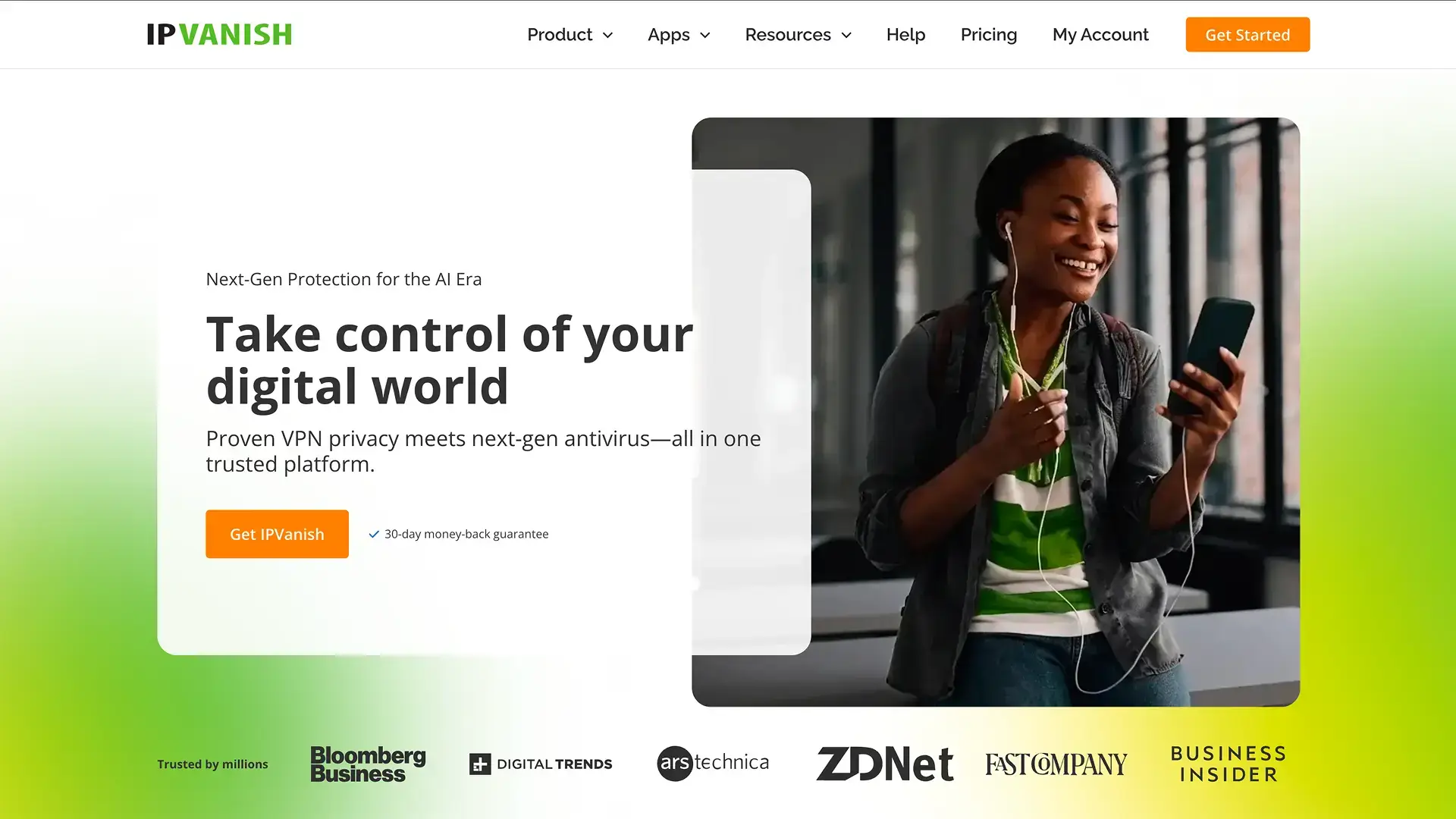
IPVanish's Essential plan costs $39.99 for the first year, about $3.33 a month. Paying month to month costs $12.99. After the first year, the yearly plan renews at $89.99. Like PIA, it covers unlimited devices.
Its Advanced tier adds tools beyond the VPN, such as stronger malware protection, a secure browser and cloud backup. That makes it a fit if you want a few privacy extras without separate subscriptions. The jump at renewal is the catch.
IPVanish suits people who want unlimited devices plus a bundle of extra tools.
What Android can do without a VPN app
Android has two built-in VPN tools. Most VPN guides skip them. Neither one gives you servers, though, so they work alongside a VPN service rather than replacing it.
The built-in VPN client
Android has a VPN client in its network settings. Since Android 12, it supports only IKEv2/IPSec connections, with MSCHAPv2, PSK or RSA sign-in. Older types like PPTP and L2TP are gone. It also doesn't support WireGuard or OpenVPN, so you can't use it with most VPN services directly. It mainly suits a work VPN that gives you IKEv2 settings.
Always-on VPN and blocking connections without it
This is the useful part. Android lets you set any VPN app as always on, so it starts with the phone and reconnects on its own. A second switch, Block connections without VPN, stops all traffic whenever the VPN isn't connected. Together, they work as a system-level kill switch on top of whatever your VPN app offers.
Private DNS isn't a VPN
Android also has a Private DNS setting. It encrypts your DNS lookups, the step where your phone finds a site's address. That stops the network from reading those lookups, but your IP address and the rest of your traffic stay exposed. So Private DNS is a useful extra, not a replacement for a VPN.
So the built-in tools are worth turning on, but you still need a VPN app for the servers, the encryption and the protocols. That's why the best VPN for Android pairs well with Always-on VPN rather than competing with it.
Android details that make a difference
Server counts get most of the attention in VPN reviews. On a phone, a few smaller details matter more when you choose the best VPN for Android.
Battery. A VPN uses some extra battery, because your phone encrypts everything it sends. WireGuard is lighter than older protocols like OpenVPN, so it usually costs less battery. If your app lets you choose, keep WireGuard as the default.
Mobile data. Encryption adds a little overhead to your traffic, usually a few percent. On a capped data plan, that's worth knowing, but it rarely makes a real difference.
Switching networks. Your phone jumps between Wi-Fi and mobile data all the time. A good app reconnects in a moment. Meanwhile, a kill switch blocks traffic during the gap.
Banking apps. Some banking and payment apps block logins from VPN servers. Split tunneling lets you keep those apps on your normal connection while everything else goes through the VPN.
Where you install it. Install VPN apps from Google Play only. APK files from unofficial sites can come with malware, which defeats the point of a privacy tool.
Devices and price. Count your phones, tablets and laptops before you pick a plan. Then compare prices on the plan length you'll actually use and check whether the no-log policy has been audited.
Here's what the best VPN for Android should have, as a quick checklist.
How to set up a VPN on Android and Samsung
Setting up even the best VPN for Android takes about five minutes. For laptops, iPhones and routers, see our guide to setting up a VPN.
Install and connect the app
- Open Google Play and install your VPN app, such as Atomic VPN.
- Then open the app and sign in.
- Next, tap connect. Android shows a connection request the first time, so tap OK to allow it.
- Pick a server, ideally a nearby one for speed.
- Finally, look for the key icon in the status bar. It shows the VPN is on.
If your app can connect on its own on unfamiliar Wi-Fi, turn that on in its settings. Then the VPN starts before anything loads on a cafe or hotel network.
Turn on Always-on VPN
On most Android phones, including Google Pixel:
- First, open Settings and tap Network & internet, then VPN.
- Tap the gear icon next to your VPN app.
- Turn on Always-on VPN.
- Turn on Block connections without VPN if you want a system-level kill switch.
On Samsung Galaxy phones, the VPN menu sits in a different place. Open Settings, tap Connections, then More connection settings and VPN. From there, the gear icon and both switches work the same way.
Quick fixes if it won't connect
Connection problems happen even with the best VPN for Android. These are the usual causes and fixes.
If a network keeps blocking the VPN, our VPN unblock guide goes deeper. For the desktop side, see our guides to the best VPN for Windows and the best VPN for Mac.
If you want the best VPN for Android on price and privacy, you can have Atomic VPN running on your phone in a few minutes.