The best VPN for Windows depends on what you pay and how far you can trust the company with your traffic. On both counts, Atomic VPN comes first in this ranking. It costs $2 a month on the yearly plan, has an audited no-log policy and runs on Windows 10 and 11 with WireGuard, a kill switch and split tunneling. Below are five Windows VPNs ranked by price and privacy, plus how to set one up and what Windows already has built in.
The best VPNs for Windows in 2026, ranked
Here's how five contenders for the best VPN for Windows compare on PCs and laptops. Prices are from October 2026 and change with promotions. Our comparison page also has a feature-by-feature view.
1. Atomic VPN, best value for Windows
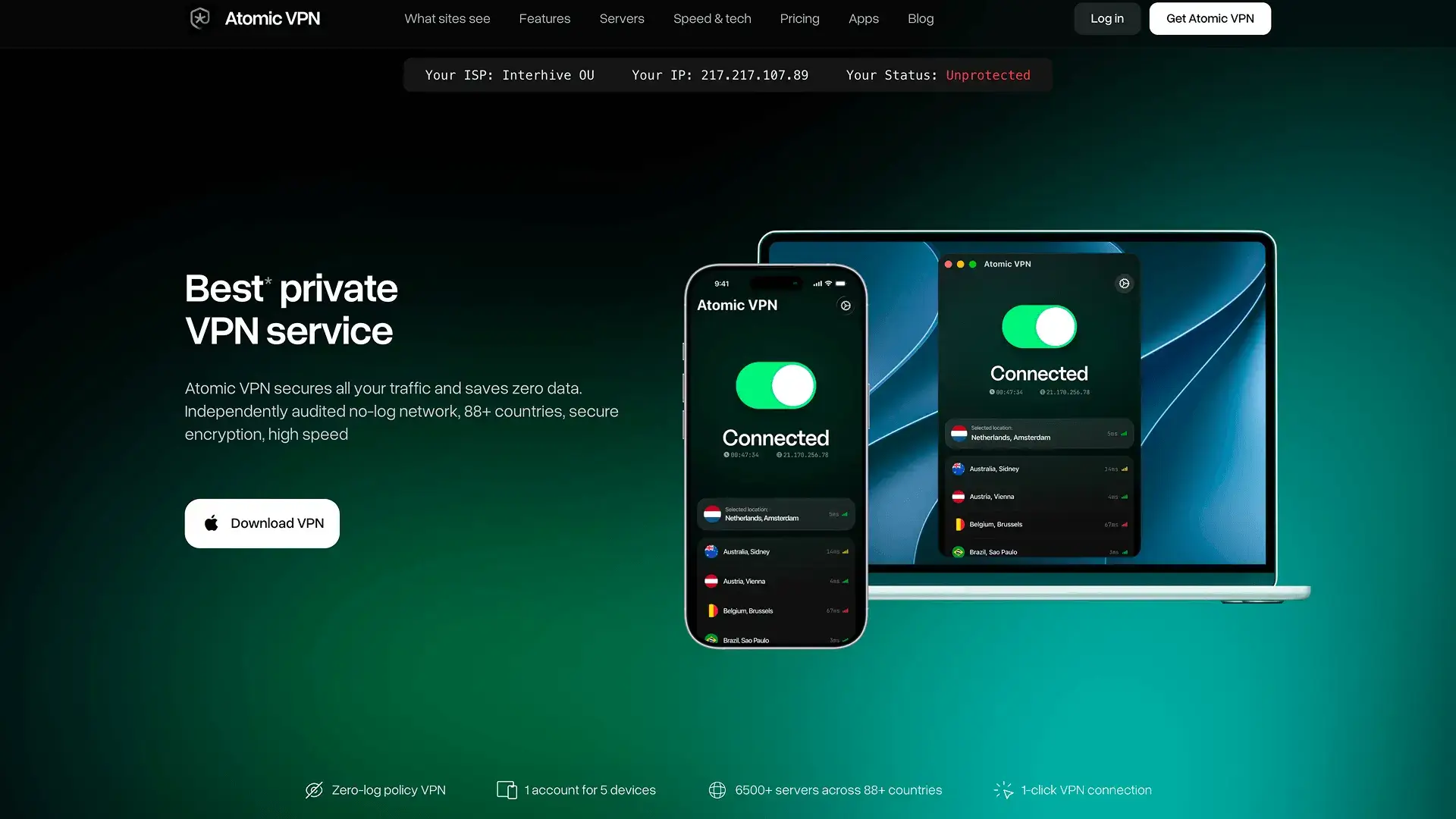
Atomic VPN is the best VPN for Windows if you want the full feature set at the lowest price in this ranking. It costs $2 a month on the yearly plan (billed $24 once a year) or $5.99 month to month. Also, every feature comes with every plan.
The Windows app runs on Windows 10 and 11. It uses WireGuard by default, with OpenVPN and IKEv2 as alternatives. It's fast too. On a 1 Gbps line to a same-city server, it reaches about 890 Mbps. A kill switch and split tunneling are built in.
On a laptop, two more things matter. The app reconnects in about 0.2 seconds when you switch networks. It can also connect on its own when you join an unfamiliar Wi-Fi network.
On privacy, Atomic VPN keeps no logs of your activity. An independent audit has verified that. Its servers also run on RAM only. Your account holds just an email and a payment method. You can also pay with crypto (BTC, XMR or USDT).
It covers 5 devices at once. Besides that, a router setup protects every device at home without using a slot.
2. Proton VPN, best free option for Windows
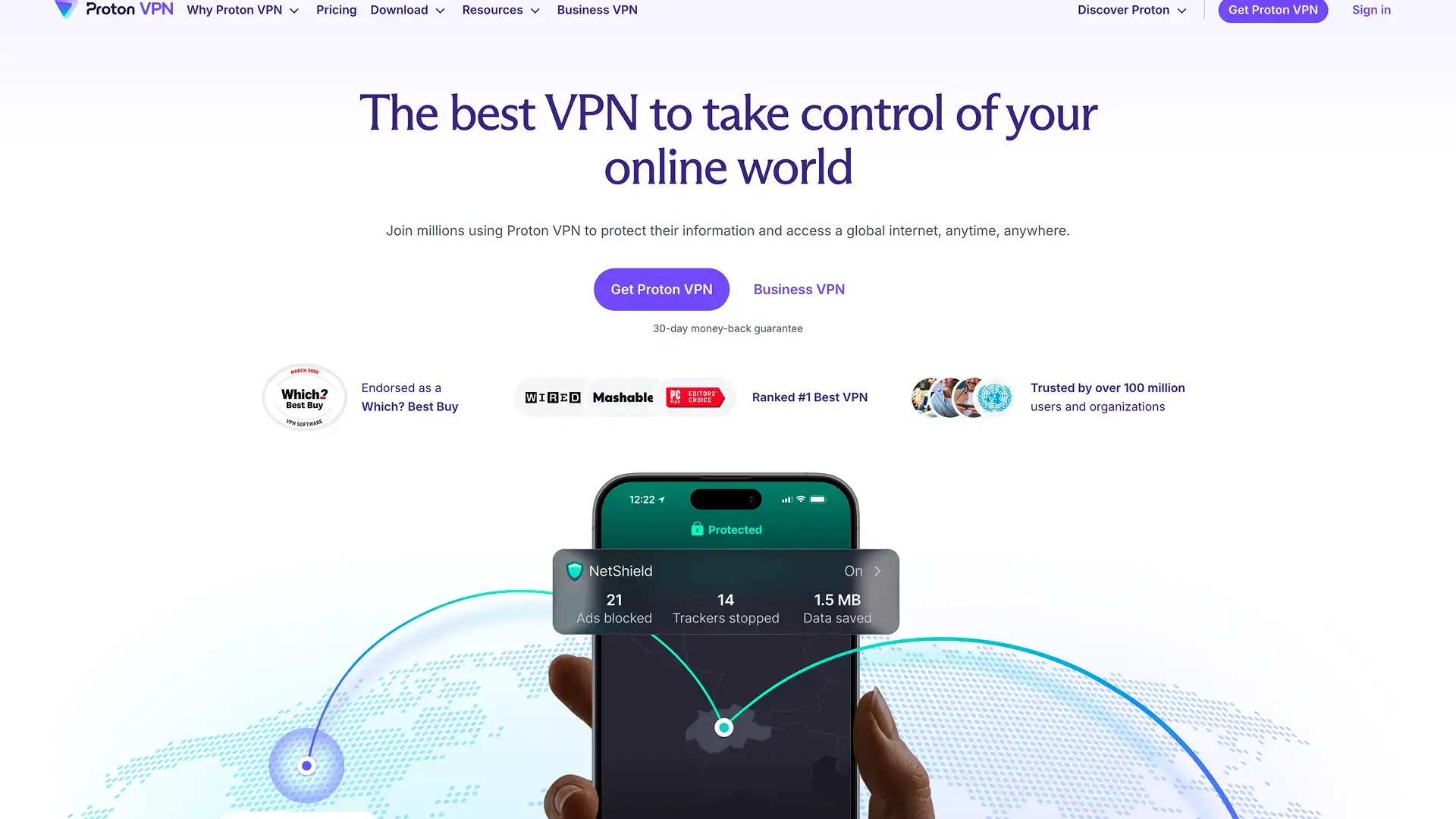
Proton VPN is the pick if you want to start free. Its free plan works on Windows and even includes split tunneling. The free plan is limited, though. It doesn't support streaming either.
Paid plans cost about $4 a month on a yearly plan and $9.99 month to month. They also cover 10 devices. Proton comes from the Swiss company behind Proton Mail and has an audited no-log policy. Its Windows app also includes a kill switch and performance tools like VPN Accelerator.
Paid plans add two features worth knowing about. Secure Core sends your traffic through an extra server in a privacy-friendly country before it leaves the network. NetShield blocks ads, trackers and known malware domains. Proton's apps are also open source, so anyone can inspect the code.
The free plan has no data cap, which is rare. It covers one device and offers fewer server locations than the paid plans, though, so it works best as a backup or a trial.
Proton VPN suits privacy-minded users who want to try a VPN for free before they pay.
3. CyberGhost, low price on long plans

CyberGhost has one of the lowest prices among big VPNs, but only on a long plan. Its best rate is about $2.19 a month on a 26-month plan billed about $57 upfront. The monthly plan costs $12.99. It also covers 7 devices. The long and 6-month plans also come with a 45-day money-back guarantee, which is longer than most VPNs offer.
On Windows, CyberGhost includes an automatic kill switch, protocol selection, app-based split tunneling and an ad blocker. Its weak spot is streaming. CyberInsider's 2026 tests found that Netflix blocks it.
The app also sorts servers by purpose, with lists labeled for streaming and other uses. As a result, beginners can pick a server without thinking about locations.
CyberGhost suits people who'll commit for two years to get a low monthly rate.
4. ExpressVPN, easiest for beginners
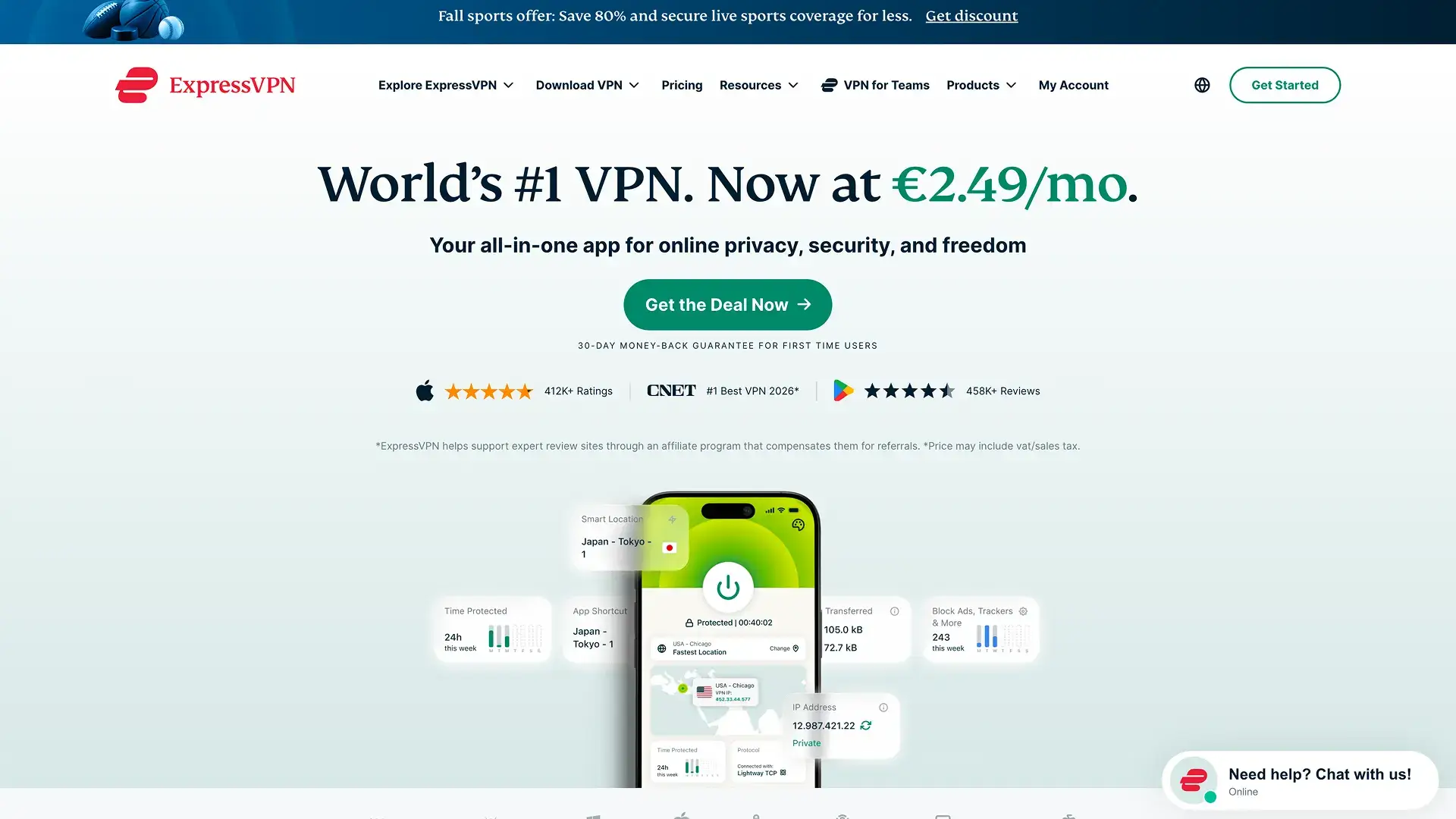
ExpressVPN's Basic plan costs about $4.99 a month on a yearly plan and $12.99 month to month. Basic covers 10 devices. The pricier Advanced and Pro tiers raise that to 12 and 14 and add extras like a password manager. Every tier comes with a 30-day money-back guarantee.
Its Windows app runs on ExpressVPN's own Lightway protocol and a kill switch it calls Network Lock. Its servers run on RAM only, which ExpressVPN calls TrustedServer. TechRadar calls it the best VPN for beginners in its Netflix VPN guide.
ExpressVPN suits Windows users who want a simple app and are fine paying more for it.
5. NordVPN, most features

NordVPN has the longest feature list for Windows in this ranking. Security.org found its Windows app the most feature-rich of those it tested, with split tunneling, dark web monitoring, double VPN servers and protection against malicious downloads. It covers 10 devices and is TechRadar's top pick among all VPNs.
It's also the priciest VPN here. The Basic plan costs $5.49 a month for the first year (billed $65.88) and $14.99 month to month. After the first year, it renews at $139.08. Higher tiers like Plus and Complete add a password manager, extra malware protection and encrypted cloud storage, so the price climbs fast if you want those.
NordVPN runs its network on RAM-only servers and offers a 30-day money-back guarantee. It recommends its WireGuard-based NordLynx protocol on Windows.
NordVPN suits Windows users who want every extra and don't mind paying for it.
How we ranked them
We put price first, comparing yearly plan with yearly plan and monthly plan with monthly plan. Privacy came next. We checked whether each no-log policy has passed an independent audit and how much the company asks for at sign-up. Windows features came last, because all five cover the essentials on Windows 10 and 11.
So the best VPN for Windows in this list is the one with the best mix of price and privacy, not the longest feature list. Where we mention test results or rankings, we link to the reviewers behind them.
Does Windows have a built-in VPN?
Yes, but it's a VPN client, not a VPN service. Windows 10 and 11 can connect to a VPN server you already have access to, such as your company's network, without extra software. It doesn't come with servers of its own, so on its own it won't hide your traffic from anyone.
The built-in client supports PPTP, L2TP/IPsec, SSTP and IKEv2. It doesn't support WireGuard or OpenVPN, which most VPN services use today. So for most people, the built-in client isn't the best VPN for Windows. An app is usually the simpler route.
The built-in client still makes sense for a work VPN or a provider that gives you IKEv2 settings. Skip PPTP if you have a choice. That's because it's an old protocol with known security weaknesses.
How to set up a VPN on Windows 10 and 11
Even the best VPN for Windows needs a little setup. There are two ways to do it. The app is easier, while the built-in client helps when someone gives you server details. For phones, Macs and routers, see our guide to setting up a VPN.
With a VPN app
- Download the app from your provider's site, such as Atomic VPN for Windows.
- Then install it and sign in.
- Next, pick a server (a nearby one is fastest) and click connect.
- Finally, search "what is my IP" to check that sites now see the server's location.
If your app can connect on its own on unfamiliar Wi-Fi, turn that on. Then the VPN starts before you open anything on a cafe or hotel network.
With the built-in Windows client
- First, open Start, type VPN and open VPN settings.
- Select Add a VPN connection (on Windows 11 the button says Add VPN).
- Under VPN provider, choose Windows (built-in).
- Enter a connection name, the server address and the VPN type your provider gave you, such as IKEv2.
- Add your sign-in info, save it, then select Connect.
Once it's set up, using a VPN on a PC takes one click. You connect in the app or from the network menu on the taskbar.
If the VPN won't connect on Windows
Even the best VPN for Windows can fail to connect now and then. Most problems come down to a few causes, so try these in order:
- Check the date and time. If they're wrong, secure connections can fail, so set them to update automatically.
- Allow the VPN app in Windows Defender Firewall or your antivirus. Some security tools block new network apps by default.
- Close other VPN apps. Two VPNs running at once can fight over the same network settings.
- Switch protocols in the app, for example from WireGuard to OpenVPN. Some networks block one protocol but not another. Our VPN unblock guide covers blocked networks in more detail.
- Reinstall the app if nothing else works.
What to look for in a VPN for Windows
Before you settle on the best VPN for Windows for your PC, check these points.
A kill switch matters most on laptops. If the VPN drops on a public network, it blocks traffic until the tunnel is back, so nothing slips out unprotected.
Split tunneling helps on a work PC. You can send your browser through the VPN while games, printers or office apps use your normal connection.
Check your hardware too. Most VPN apps support Windows 10 and 11, but laptops with ARM chips, such as Snapdragon models, need an app built for them. So confirm ARM support before you buy if that's your laptop.
Finally, compare prices on the plan length you'll actually use and check whether the no-log policy has been audited. Those two checks narrow down the best VPN for Windows faster than any feature list.
Is a free VPN for Windows good enough?
Can a free plan be the best VPN for Windows? For light use, sometimes. Proton VPN's free plan is the strongest free option in this ranking. Security.org also rates it highly among free Windows VPNs.
Most free VPNs come with limits, though. For example, expect fewer servers, slower speeds and often just one device. Some also pay for their servers with ads or user data, which is a poor trade for a privacy tool.
So a free VPN works for a test run or the occasional public Wi-Fi session. For daily use on a Windows PC, a cheap paid plan costs little and drops those limits. Our cheapest VPN guide compares prices in more detail.
If you want the best VPN for Windows on price and privacy, you can have Atomic VPN running on your PC today.
.png)