VPN for Spotify.
Encrypt your connection while you listen on Spotify and use your other apps. One Atomic VPN account covers up to five devices.
From $1.99/month on the annual plan · 5 devices
SPACEATOMIC VPN
Your connection, considered
VPN for Spotify. More privacy wherever you listen.
Atomic VPN adds an encrypted tunnel between your device and the VPN server, making your activity harder for a shared network to inspect.
Spotify can still see activity associated with your account, and availability can depend on your location and account settings.
01 / Connection
Soundtrack your day.
On your terms.
Use an encrypted connection on café, hotel, airport or home Wi-Fi. Protection follows the device, not just one app.
02 / Speed
Designed for speed.
More listening.
Connect with WireGuard, a modern protocol designed for speed. Your experience depends on your network and server distance.
03 / Devices
One account.
Five devices.
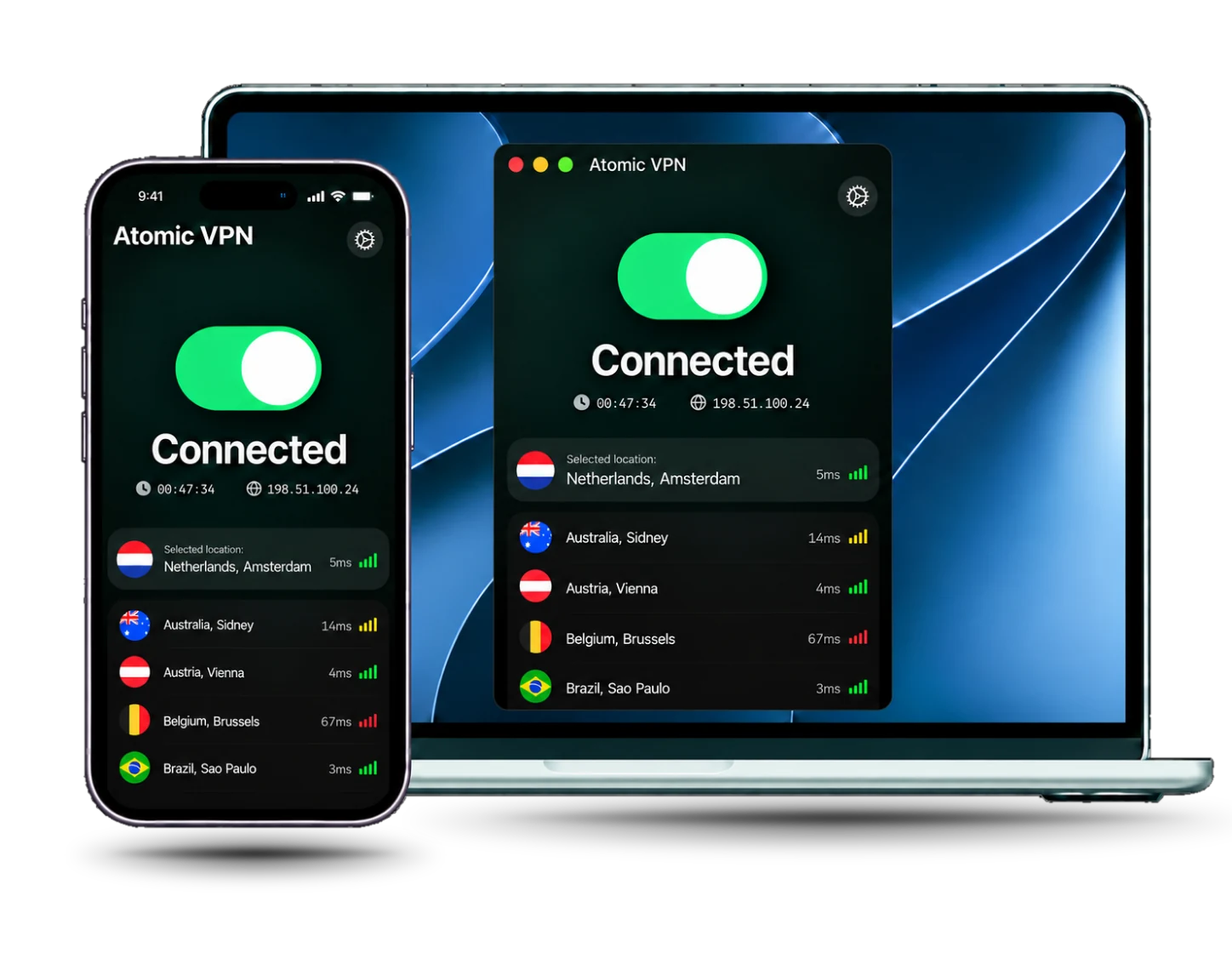
Use Atomic VPN on Windows, macOS and Android. One subscription covers up to five connected devices at once.
Press play in three steps
Good to go in
a few taps.
Your connection, your playlists, your day.
Download Atomic VPNGet the app
Download Atomic VPN for your device and sign in.
Connect
Choose a server and turn on the VPN. A nearby location is a good place to start.
Open Spotify
Put on your playlist. Spotify availability and catalogue may vary by location.
One subscription. Every feature.
Make space for
better browsing.
One VPN for music, work and everything in between.
$1.99/ month
Billed $23.99 for the first year. Subscription renews automatically; see current terms at checkout.
See plansSpotify VPN questions
Spotify can work with a VPN, but its policies and detected connections can affect access. Atomic VPN protects your traffic; use Spotify in line with its terms.
A VPN encrypts traffic between your device and the VPN server. On shared Wi-Fi, the network can see that you are connected to a VPN, but it cannot read the traffic inside that tunnel.
A VPN cannot guarantee faster playback. It can hide the type of traffic from a network, but server distance, Wi-Fi quality and Spotify itself still affect buffering.
Yes. One Atomic VPN account protects up to five devices, including Windows, macOS and Android. Connect each device separately and choose the server location that fits your connection.
Yes. A VPN protects your connection, but Spotify can still associate your listening activity with your account.
Check your internet connection, restart Spotify and try a nearby server. Spotify may also apply its own account and location rules.






Listen privately on any Wi-Fi
One account covers five devices on Windows, macOS and Android. Connect in seconds, cancel in one click.