Fast VPN
for Netflix
A fast, cheap VPN that works with Netflix. WireGuard speed, 6,500+ servers and 5 devices from $1.99 a month. Stream privately on any Wi-Fi.
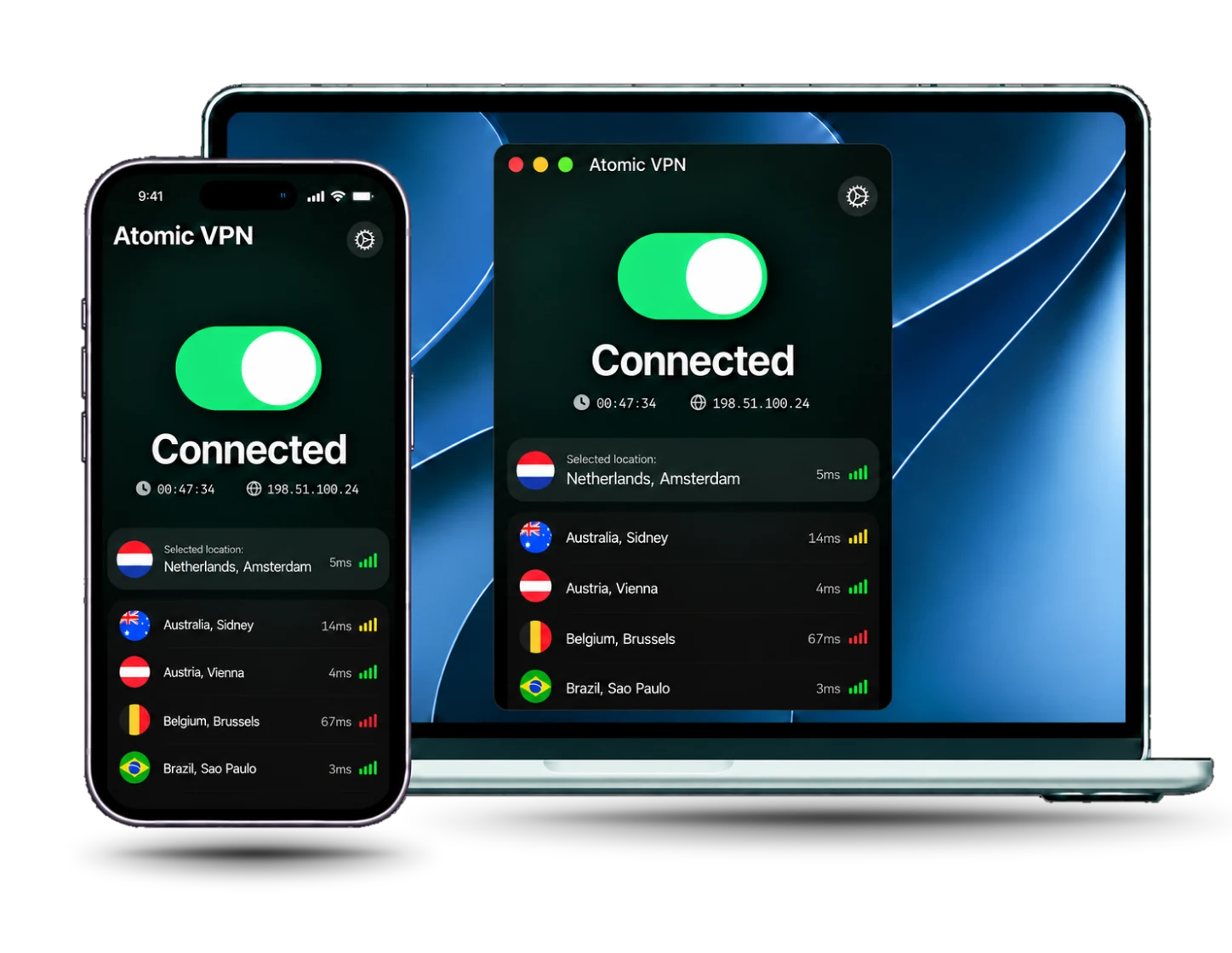
Does Atomic VPN work with Netflix?
Yes. Atomic VPN works with Netflix. Install the app, connect to a server, open Netflix and press play. It takes about five minutes.
A Netflix VPN encrypts the traffic between your device and the VPN server, so the Wi-Fi owner or your ISP cannot see what you stream. Netflix only sees the VPN server's IP address, not your home one, so your real IP and rough location stay private.
Netflix blocks some VPN IP addresses and shows a proxy error when it spots one. If that happens, switch to another server and reopen the app. A VPN does not change Netflix's Terms of Use, so check them before you stream.
6,500+
servers
88+
countries
5
devices on one account
$1.99
a month, billed $23.99 yearly
Built for streaming
Every plan includes every feature, with no add-ons for video or streaming.

WireGuard speed
WireGuard is the default protocol. It keeps HD video streams loading fast

6,500+ servers
Pick a server in 88+ countries and switch in one tap if you see an error

RAM-only network
RAM-only servers. We do not store timestamps, assigned IPs or DNS queries

5 devices
Cover your laptop, phone and Mac on one account. A router covers your TV too
How to use a VPN with Netflix
Four steps, about five minutes, before you press play
Install Atomic VPN
Download the app for Windows, Mac or Android and sign in with your account
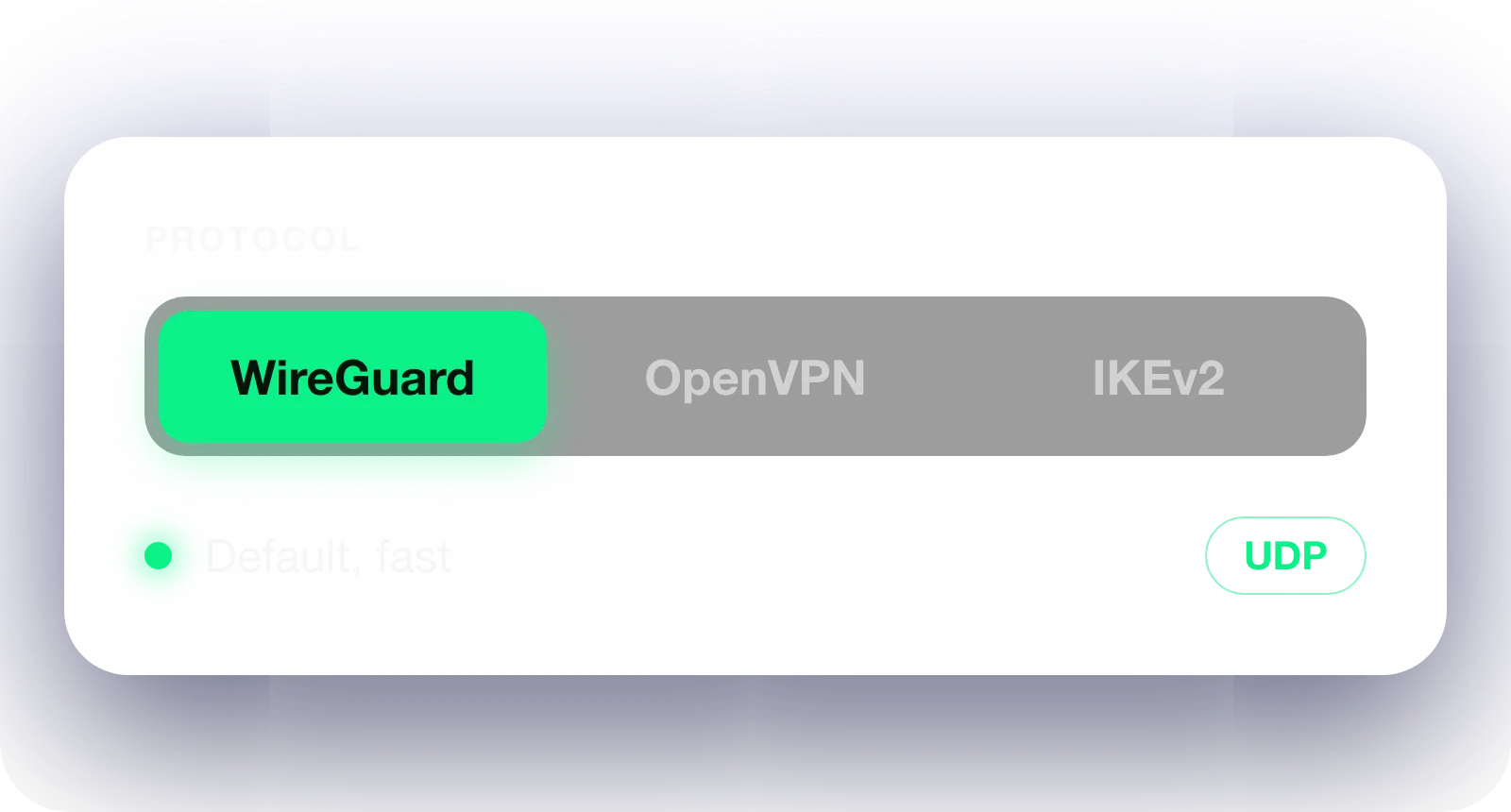
Pick a protocol
Keep WireGuard for speed. If a network blocks it, try OpenVPN

Connect to a server
Pick a nearby server, then tap Connect
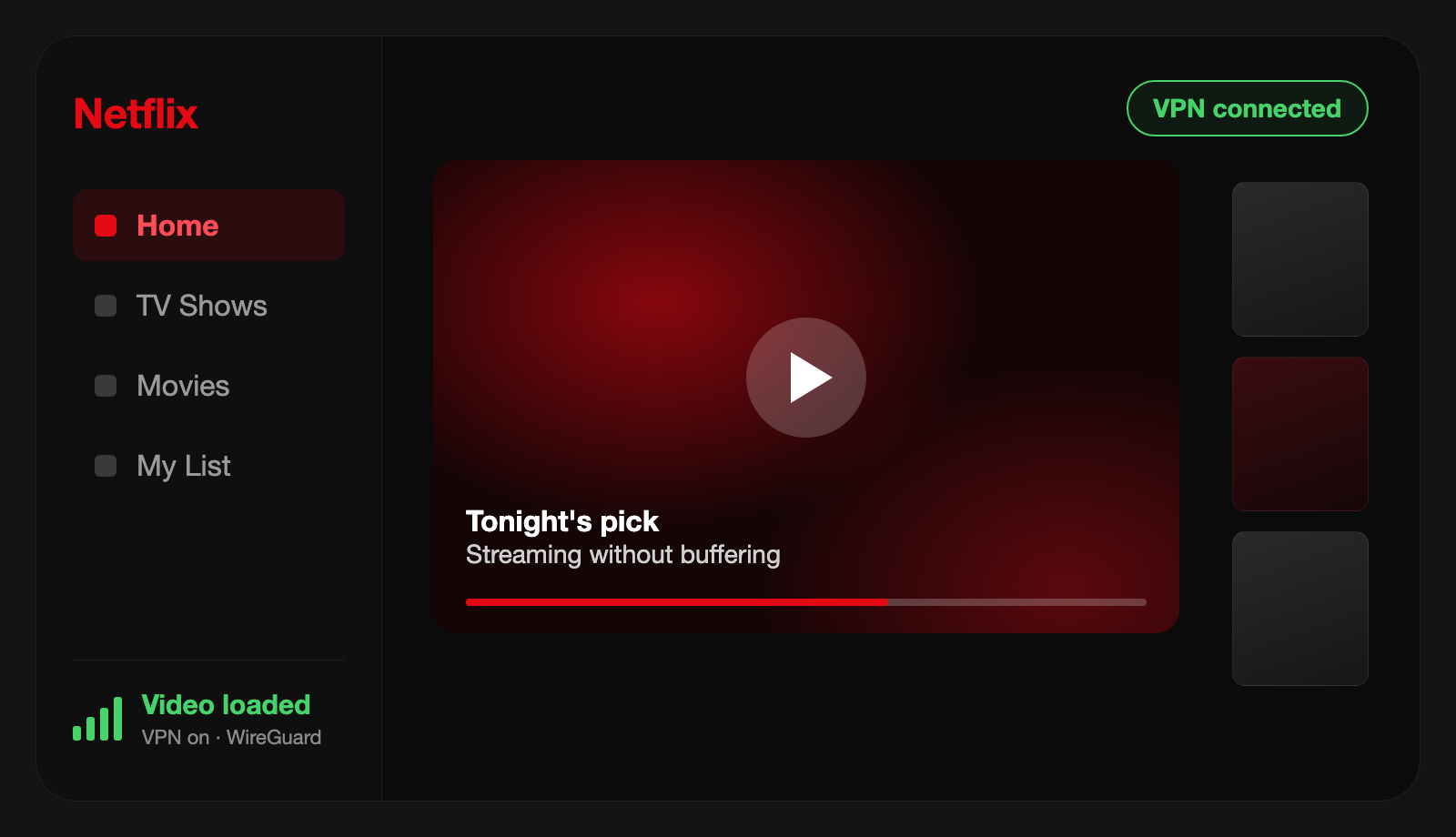
Open Netflix
Press play. If you see a proxy error, switch servers and restart the app
Netflix not working with a VPN? Try this
Most problems come from the server or the network, not the app
Problem and cause
What to do
Proxy or VPN error
Netflix rejects this VPN IP address
Switch to another server, then reopen the app
Video buffers or looks blurry
The server is far away or overloaded
Pick a closer server and reconnect
Error even on a new server
Cached app data from before you connected
Restart Netflix, clear its cache, then play again
Blocked on school or work Wi-Fi
The network filters VPN traffic
Switch the protocol to OpenVPN and reconnect
Netflix on the TV ignores the VPN
The TV is not connected through the VPN
Set up the VPN on your router, and every device on it is covered
Pick a term. Everything else is the same
Netflix VPN: frequently asked questions
Yes. Atomic VPN works with Netflix. Connect to a server, open Netflix and press play. If you see a proxy error, switch to another server.
Netflix blocks some VPN IP addresses and shows a proxy error when it spots one. Atomic VPN has 6,500+ servers, so you can switch to another in a tap. Netflix's Terms of Use apply with or without a VPN.
Switch to another server, reconnect and restart the app. Check that WireGuard is on, since it is the fastest protocol. A nearby server loads video faster. On a strict school or work network, try OpenVPN.
Atomic VPN has no TV app yet. Set it up on your router, and every device on your Wi-Fi, TV included, uses the VPN. A router does not use one of your 5 device slots.
A little, because a VPN adds a hop. WireGuard and a nearby server keep that cost small. If video buffers, try a different server and restart the app.
$1.99 a month on the yearly plan, billed $23.99 once a year. Every feature is on every plan, 5 devices share one account, and you can cancel in one click.






Start streaming Netflix privately
Get Atomic VPN from $1.99 a month, billed $23.99 yearly. Five devices, WireGuard on every plan, cancel in one click