Fast VPN
for TikTok
Hide your IP and encrypt TikTok on any Wi-Fi. WireGuard keeps videos loading fast, even on a busy network. From $1.99 a month.
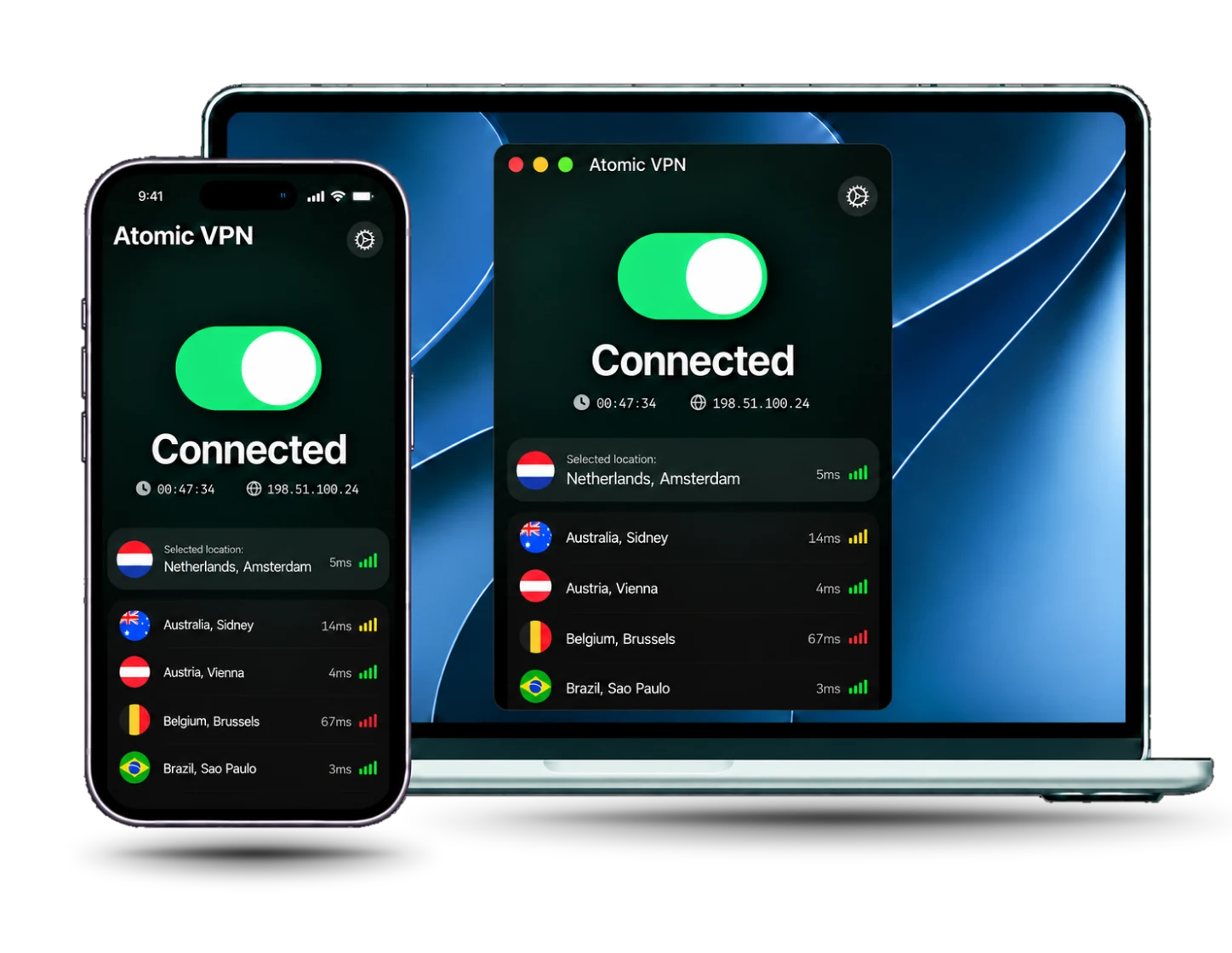
Why use a VPN with TikTok on any network
A TikTok VPN encrypts the traffic between your device and the VPN server, so the Wi-Fi owner or your ISP cannot see what you watch. TikTok only sees the VPN server's IP address, not your home one, so your real IP and rough location stay private.
Schools, offices and some public networks block TikTok on the Wi-Fi itself. A VPN can route around a network-level block. Atomic VPN also offers OpenVPN, a good fallback when a strict network filters other traffic.
A VPN does not change TikTok's Terms of Service, your school or workplace rules, or local law. Check them first. If TikTok is limited by your app store region or SIM, a VPN alone may not fix it.
6,500+
servers
88+
countries
5
devices on one account
$1.99
a month, billed $23.99 yearly
Built for scrolling and uploads
Every plan includes every feature, with no add-ons for video or streaming.

WireGuard speed
WireGuard is the default protocol. It keeps video streams and uploads fast

6,500+ servers
Pick a server in 88+ countries, and a nearby one for faster video

RAM-only network
RAM-only servers. We do not store timestamps, assigned IPs or DNS queries

5 devices
Cover your phone, PC and Mac on one account, from $1.99 a month
How to use a VPN with TikTok
Four steps, about five minutes, before you open the app
Install Atomic VPN
Download the app for Windows, Mac or Android and sign in with your account
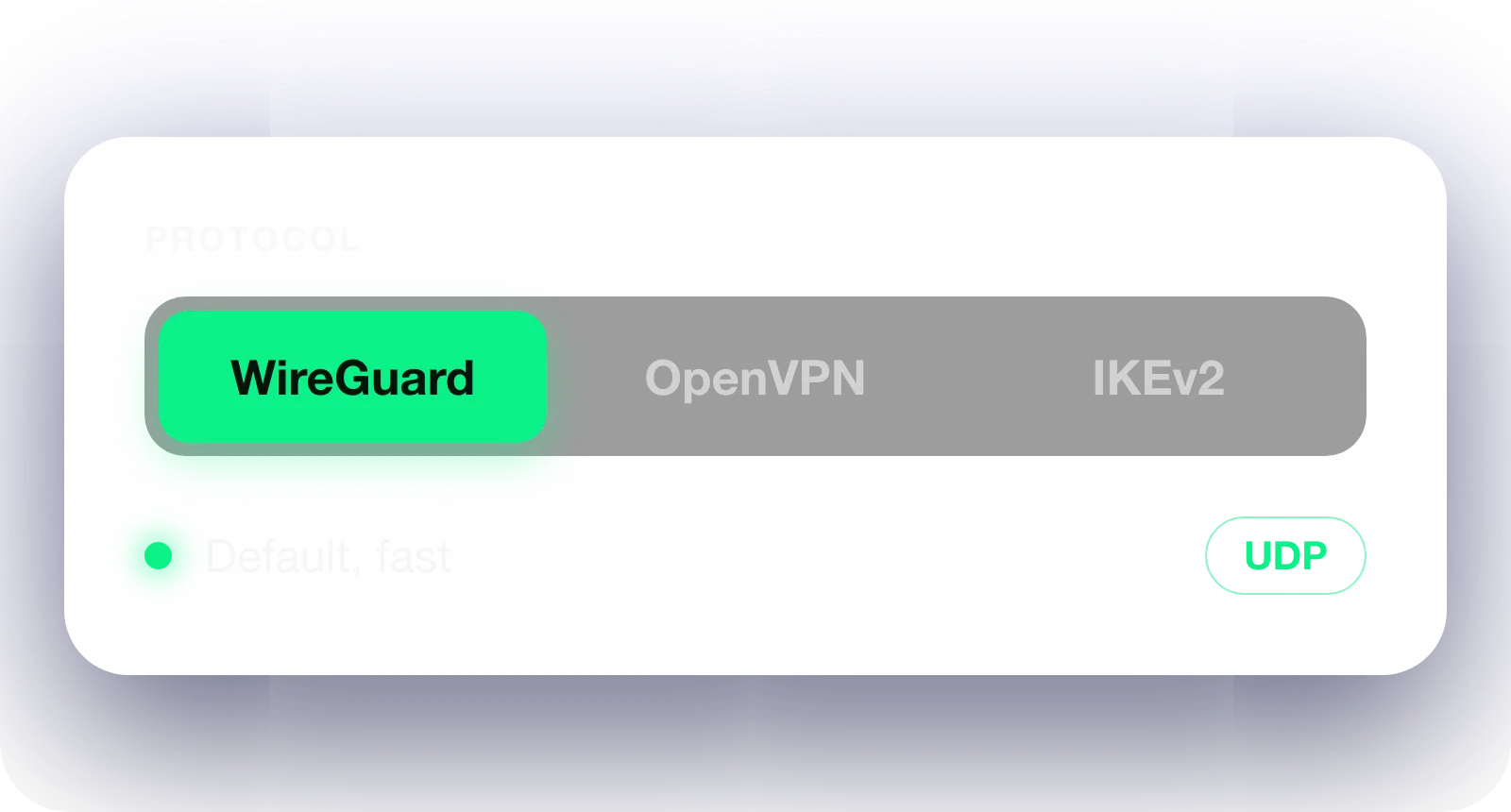
Pick a protocol
Keep WireGuard for speed. On a strict school or work network, try OpenVPN

Connect to a server
Pick a nearby server, or one in another country, then tap Connect
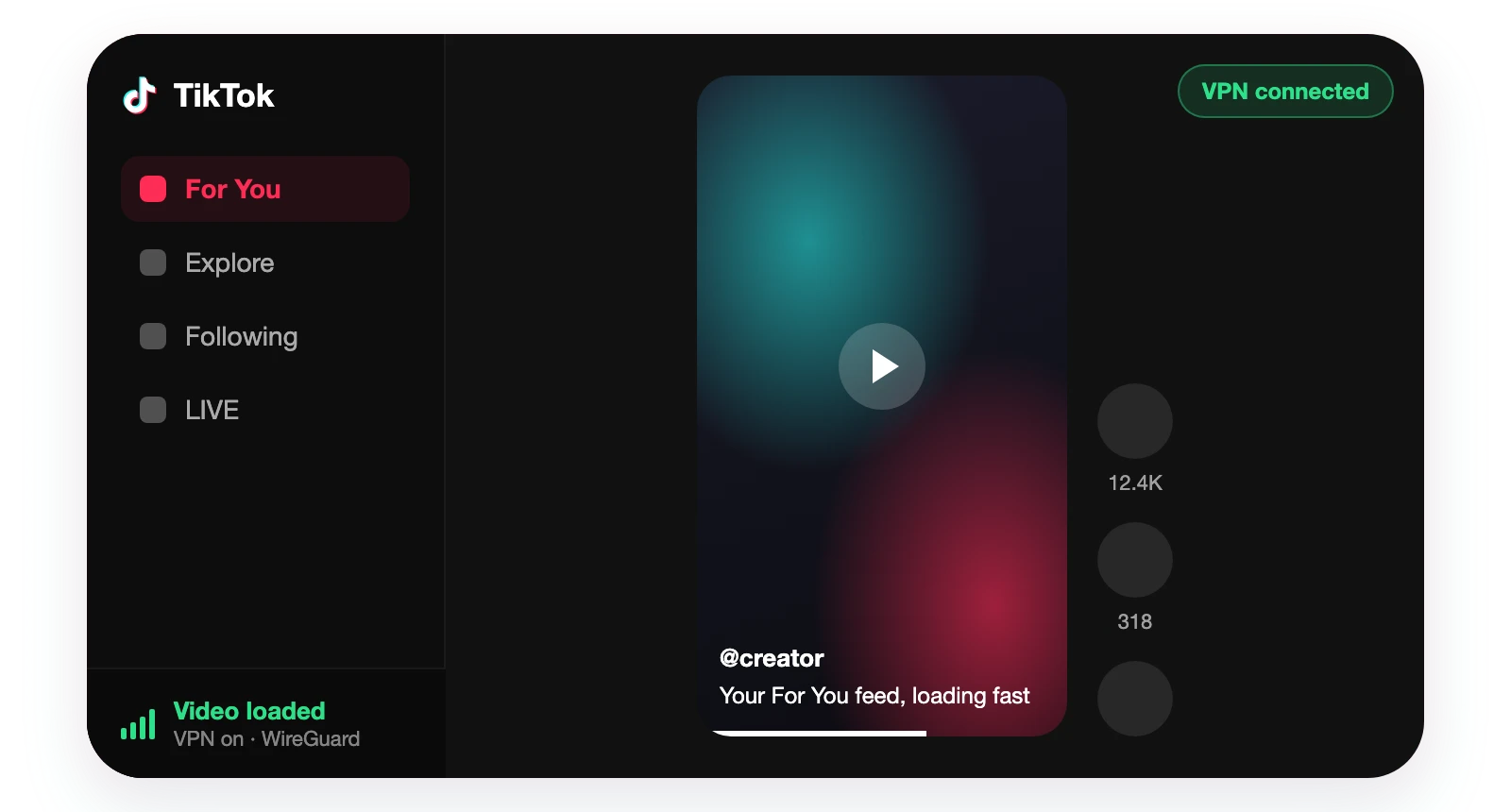
Open TikTok
Launch the app. If videos will not load, switch servers and restart TikTok
TikTok not working with a VPN? Try this
Most problems come from the server or the network, not the app
Problem and cause
What to do
Videos will not load
The server is far away or overloaded
Pick a closer server, reconnect and restart TikTok
Network error or no connection
TikTok rejects this VPN IP address
Switch to another server, then reopen the app
Videos stall and buffer
A slow route or a congested connection
Use WireGuard and a nearby server
Blocked on school or work Wi-Fi
The network filters VPN traffic
Switch the protocol to OpenVPN and reconnect
Feed or app limited by region
TikTok also checks your SIM, app store region and location
A VPN alone may not fix this. Check TikTok's rules for your region
Pick a term. Everything else is the same
TikTok VPN: frequently asked questions
Yes, in most places. A VPN encrypts your traffic, hides your IP and can get around a block that sits on school, work or public Wi-Fi. Check local law and the network's rules first.
TikTok's Terms apply with or without a VPN. Using one to evade a ban or break its rules can still get your account restricted. Some apps and networks also detect VPN IPs and show a network error.
TikTok can reject some VPN IP addresses, or a slow route can stall videos. Switch to another server, reconnect, restart the app and check that WireGuard is on. A nearby server loads video faster.
Many free VPNs cap speed or data, which makes video stall, and some log your data. Atomic VPN is $1.99 a month, billed $23.99 yearly, with every feature on every plan.
A little, because a VPN adds a hop. WireGuard and a nearby server keep that cost small. If videos buffer, try a different server and restart the app.
Atomic VPN has apps for Windows, Mac and Android, with 5 devices on one account. A VPN router can also cover every device on your home Wi-Fi.






Scroll TikTok privately
Get Atomic VPN from $1.99 a month, billed $23.99 yearly. Five devices, WireGuard on every plan, cancel in one click