Fast VPN
for Discord
Hide your IP and encrypt Discord on any Wi-Fi. WireGuard runs over UDP, the protocol Discord voice calls rely on. From $1.99 a month.
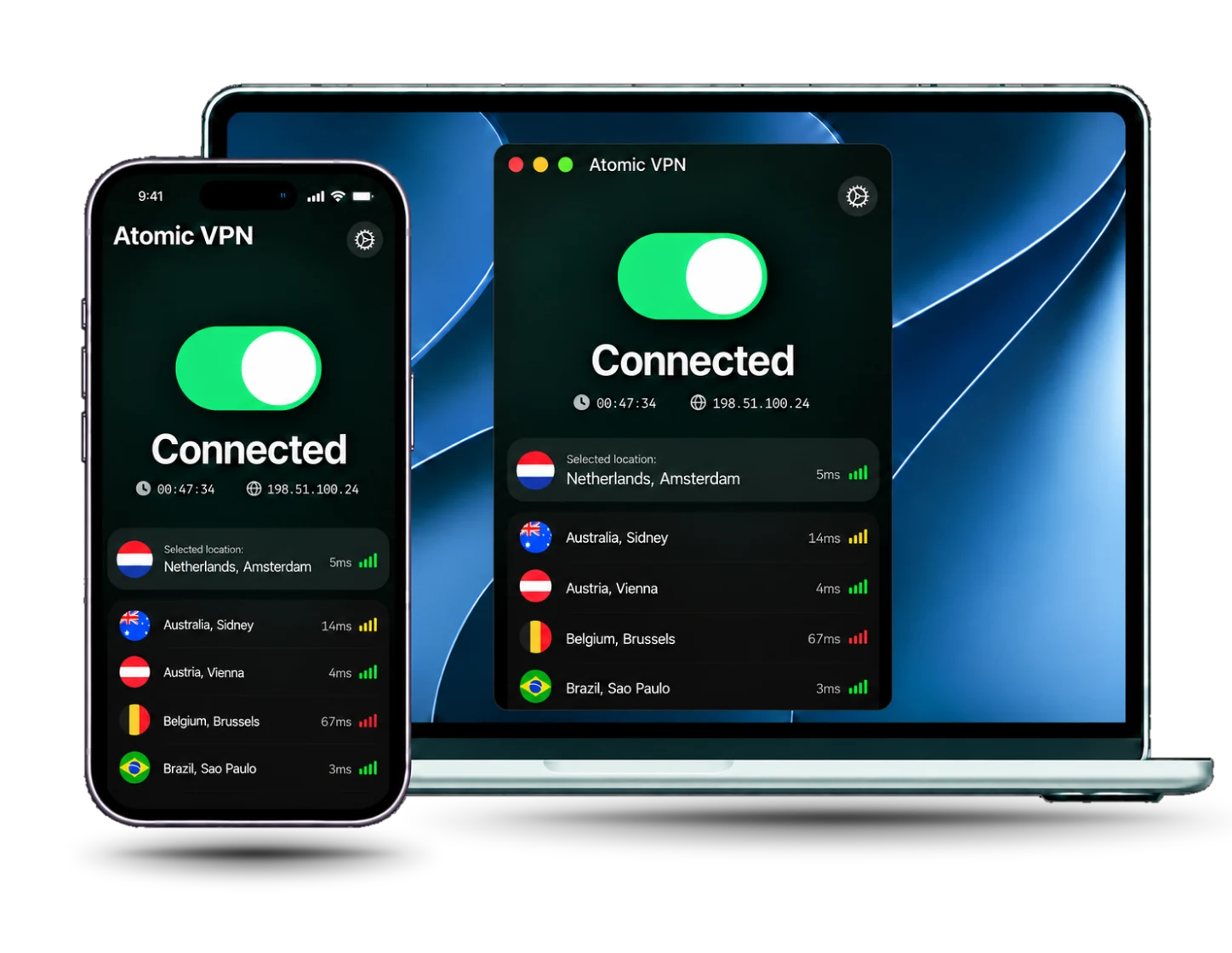
Why use a VPN with Discord on any network
A Discord VPN encrypts the traffic between your device and the VPN server, so the Wi-Fi owner or your ISP cannot read it or see what you do online. Discord only sees the VPN server's IP address, not your home one, so your real IP and rough location stay private.
Discord voice and video calls run over UDP. A VPN without UDP support can trigger the No Route error, so pick one that has it. Atomic VPN uses WireGuard by default, and WireGuard runs over UDP.
A VPN does not change Discord's Terms of Service or the rules of your school or workplace. Check them first, and do not use a VPN to evade a ban or a server rule.
Built for calls and games
Every plan includes every feature, with no add-ons for voice or games.

WireGuard over UDP
WireGuard is the default and runs over UDP, which Discord voice calls need

6,500+ servers
Pick a nearby server in 88+ countries to keep ping low during calls and games

RAM-only network
RAM-only servers. We do not store timestamps, assigned IPs or DNS queries

5 devices
Cover your PC, Mac and Android phone on one account, from $1.99 a month
How to use a VPN with Discord
Four steps, about five minutes, before you join a call
Install Atomic VPN
Download the app for Windows, Mac or Android and sign in with your account
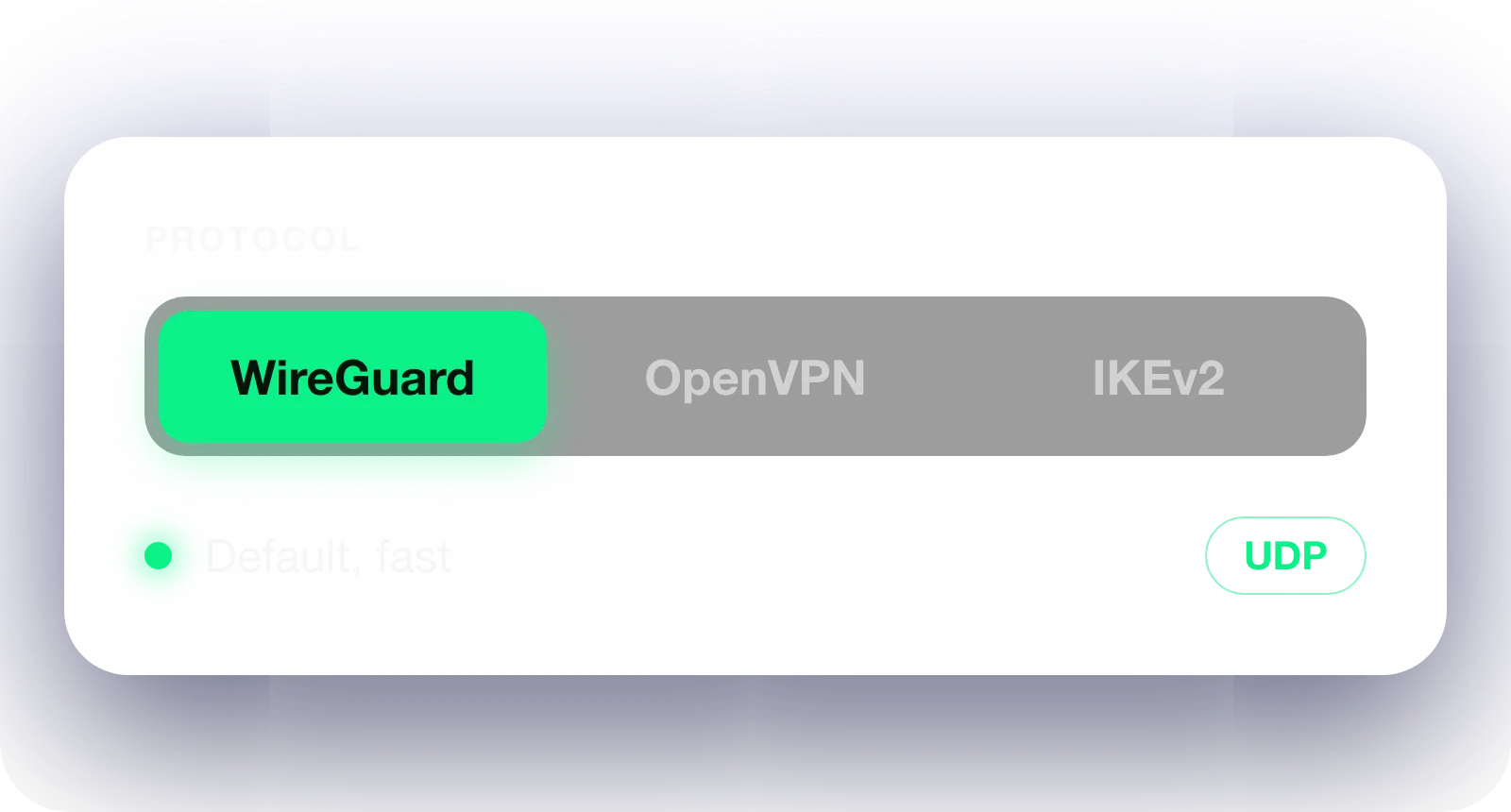
Use WireGuard
Keep WireGuard, the default protocol. It runs over UDP, which Discord voice needs

Connect a close server
Pick a server near you for low ping, then tap Connect
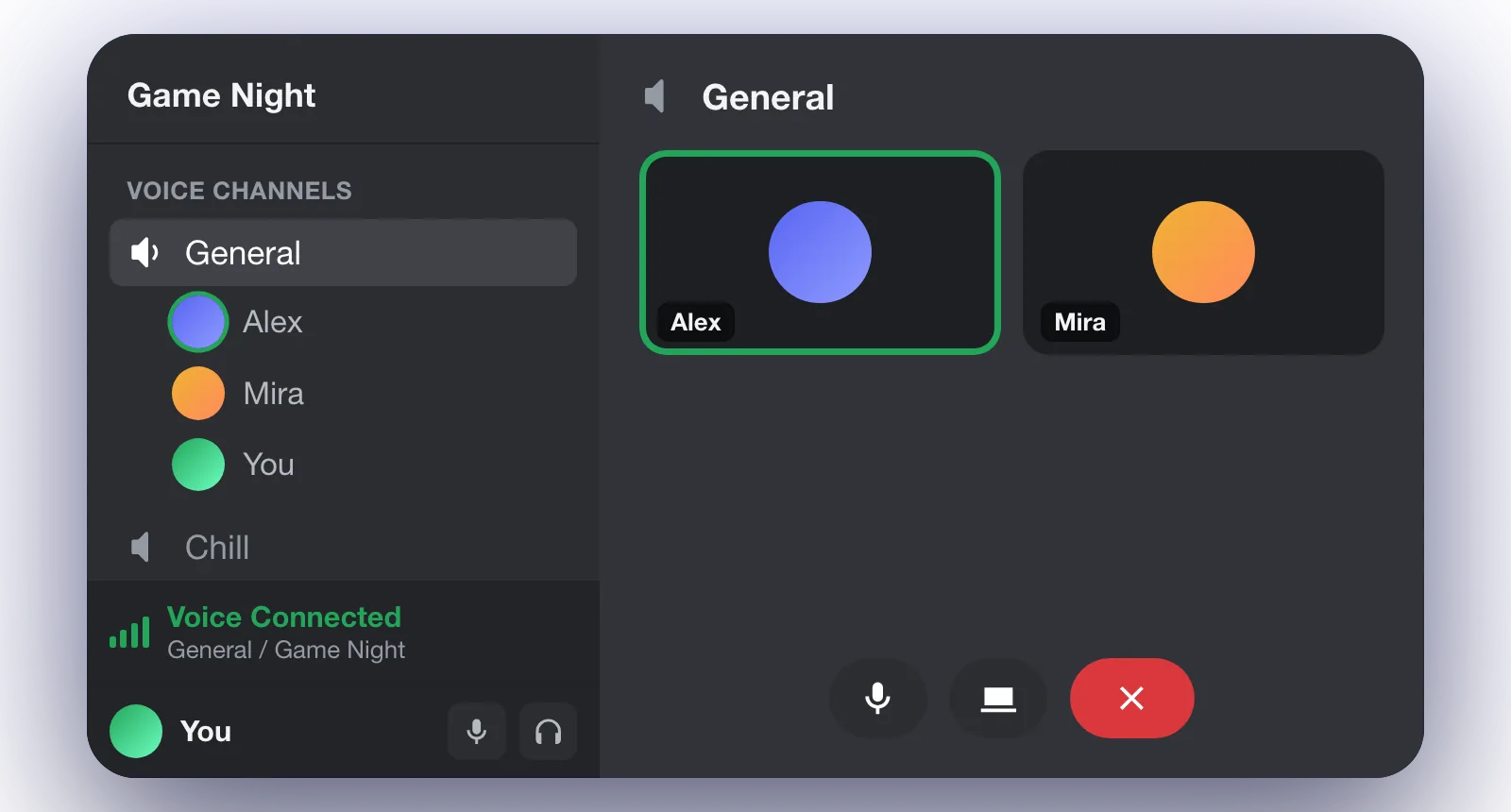
Open Discord
Join a call. If you see No Route or RTC Connecting, check that WireGuard is on
Pick a term. Everything else is the same
Discord VPN: frequently asked questions
Usually yes. Discord voice and video need UDP, and WireGuard in Atomic VPN uses it. If a call fails, turn the VPN off and test again to find the cause.
No Route means the voice connection cannot find a path, often because the VPN blocks UDP. Switch to WireGuard, reconnect and restart Discord. Then try a closer server.
Usually not. A VPN adds a hop, so ping can rise a little. A nearby server and WireGuard keep that cost small. Some routes get faster, but that is not guaranteed.
Many free VPNs cap speed or drop UDP, which breaks voice calls, and some log your data. Atomic VPN is $1.99 a month, billed $23.99 yearly, with every feature on every plan.
Discord's Terms apply with or without a VPN. Using one to evade a ban or break server rules can still get your account suspended. Check your school or workplace rules too.
Atomic VPN has apps for Windows, Mac and Android, with 5 devices on one account. A VPN router can also cover every device on your home Wi-Fi.
More about Discord








Chat privately on Discord
Get Atomic VPN from $1.99 a month, billed $23.99 yearly. Five devices, WireGuard on every plan, cancel in one click