Atomic VPN for students
VPN for students: private campus Wi-Fi from $2/mo
Dorm, library and campus Wi-Fi are shared with thousands of people. Atomic VPN encrypts your connection on every network, on up to 5 devices.

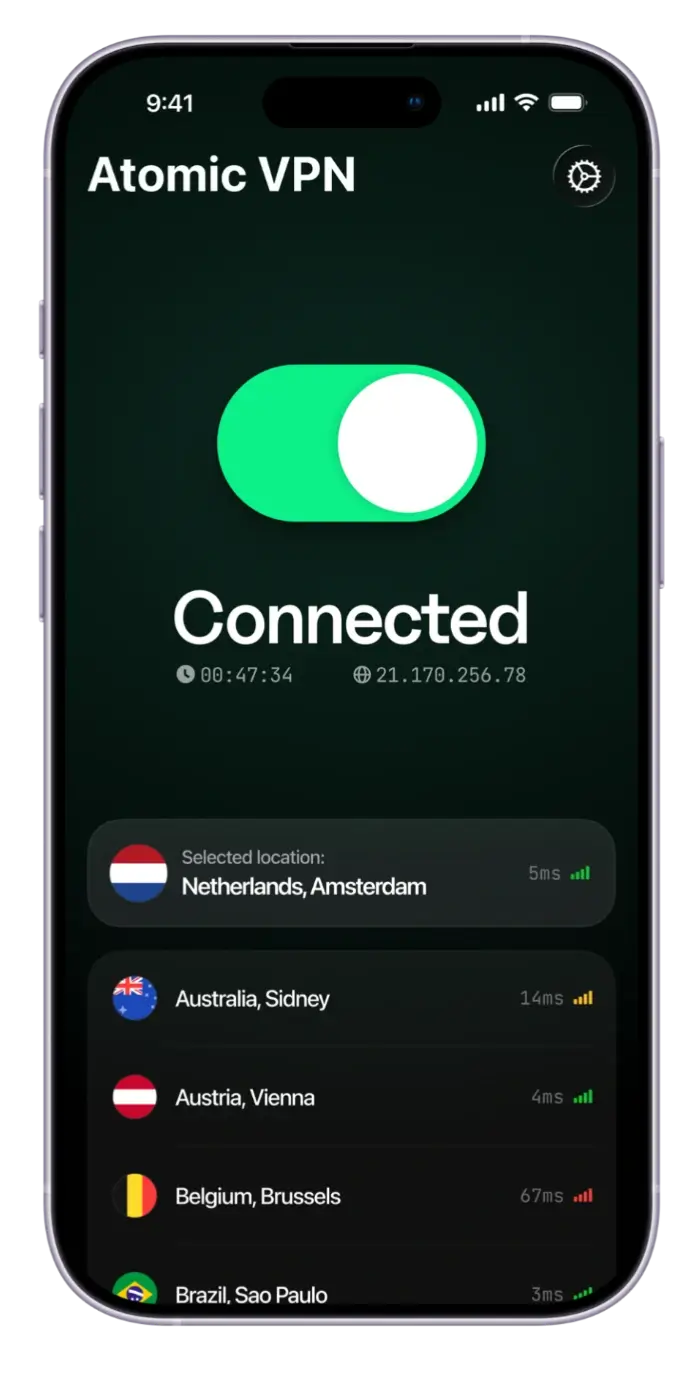
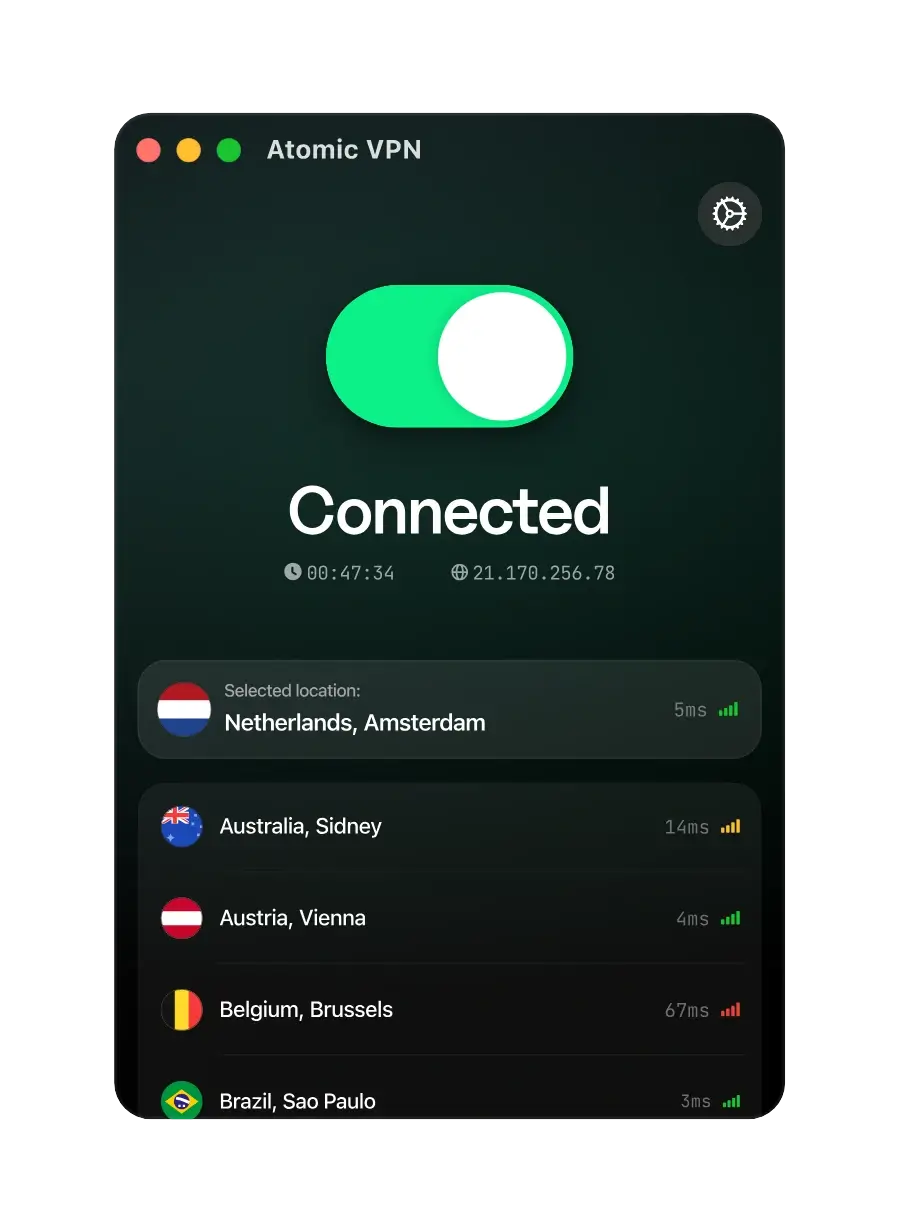
 Zero-log policy VPN
 1 account for 5 devices
 6500+ servers across 88+ countries
 1-click VPN connection
Why students need a VPN on campus Wi-Fi
A VPN for students does one job: it encrypts everything between your device and the internet. On campus that matters. Dorm, library and café Wi-Fi are shared with thousands of strangers, and whoever runs the network can see which sites you open. With a VPN on, they see one encrypted connection.
It also helps with the rest of student life: logging in to your home bank from abroad, reaching sites from home on an exchange semester, one account for your laptop, phone and tablet. Atomic VPN has 6500+ servers in 88+ countries and costs $2 a month on the yearly plan.
What a VPN fixes for students
Four student problems, and how Atomic VPN handles each.

Campus Wi-Fi is shared
Dorm and library networks are open to thousands. Atomic VPN encrypts your traffic first.

Money is tight
$2 a month on the yearly plan, every feature included. Cancel in one click.
Networks see your sites
Campus networks can log the sites you visit. A VPN hides your browsing from them.

All your devices
Laptop, phone, tablet: 5 devices on one plan, on Windows, macOS, iOS and Android.
How to set up a VPN as a student
Four steps, five minutes, on every device you study on.
Pick a plan
Yearly is $2/mo. Short on cash? One month is $5.99 and cancels in one click.
Install the app
Get Atomic VPN for Windows, macOS, iOS or Android and sign in with one account.
VPN first, then Wi-Fi
On campus, connect the VPN before you open email, your bank or the learning portal.
Switch the protocol
If campus Wi-Fi blocks the VPN, switch to OpenVPN on TCP 443. It looks like normal HTTPS.
VPN for studying abroad
Moving abroad for a semester? Install Atomic VPN before you fly. Connect to a server in your home country and your bank and home sites see a familiar location, so cards don't get frozen and sign-ins don't trigger alerts.
Setting the VPN up on a router doesn't use one of your 5 device slots, so a shared flat router can be covered while your laptop and phone keep their own slots.
Pick a term. Everything else is the same
VPN for students: common questions
Yes, if you use campus, library or café Wi-Fi. A VPN encrypts your traffic on networks you don't control, so other users and the network owner can't see which sites you visit.
In most countries, yes. A VPN is legal, but your school can set its own network rules. Read your campus IT policy, and never use a VPN to cheat on exams or break those rules.
One that is cheap, encrypts everything and works on every device you own. Atomic VPN costs $2/mo on the yearly plan, has an independently audited no-logs policy, 6500+ servers in 88+ countries and covers 5 devices.
Free VPNs exist, but many log your activity or show ads to pay their bills. Atomic VPN is a paid VPN from $2/mo with an independently audited no-logs policy. One month costs $5.99 if you only need it short term.
No separate student plan. The yearly plan is already $2 a month, billed $23.99 a year, and the 6-month plan is $20.99. You can cancel in one click.
Only a little. Encryption adds a small overhead, and WireGuard keeps it low. Streaming lectures and video calls work as usual on a normal campus connection.
Yes. One account covers 5 devices at the same time, on Windows, macOS, iOS and Android. A router connection doesn't use one of the slots.
Yes. Connect to a server in your home country and your bank and home sites see a familiar location. Install Atomic VPN before you fly and test one connection. Some countries restrict VPNs, so check local rules first.






Stay private on campus
Set up Atomic VPN in five minutes. Monthly, 6-month or yearly plans from $2/mo, cancel in one click.