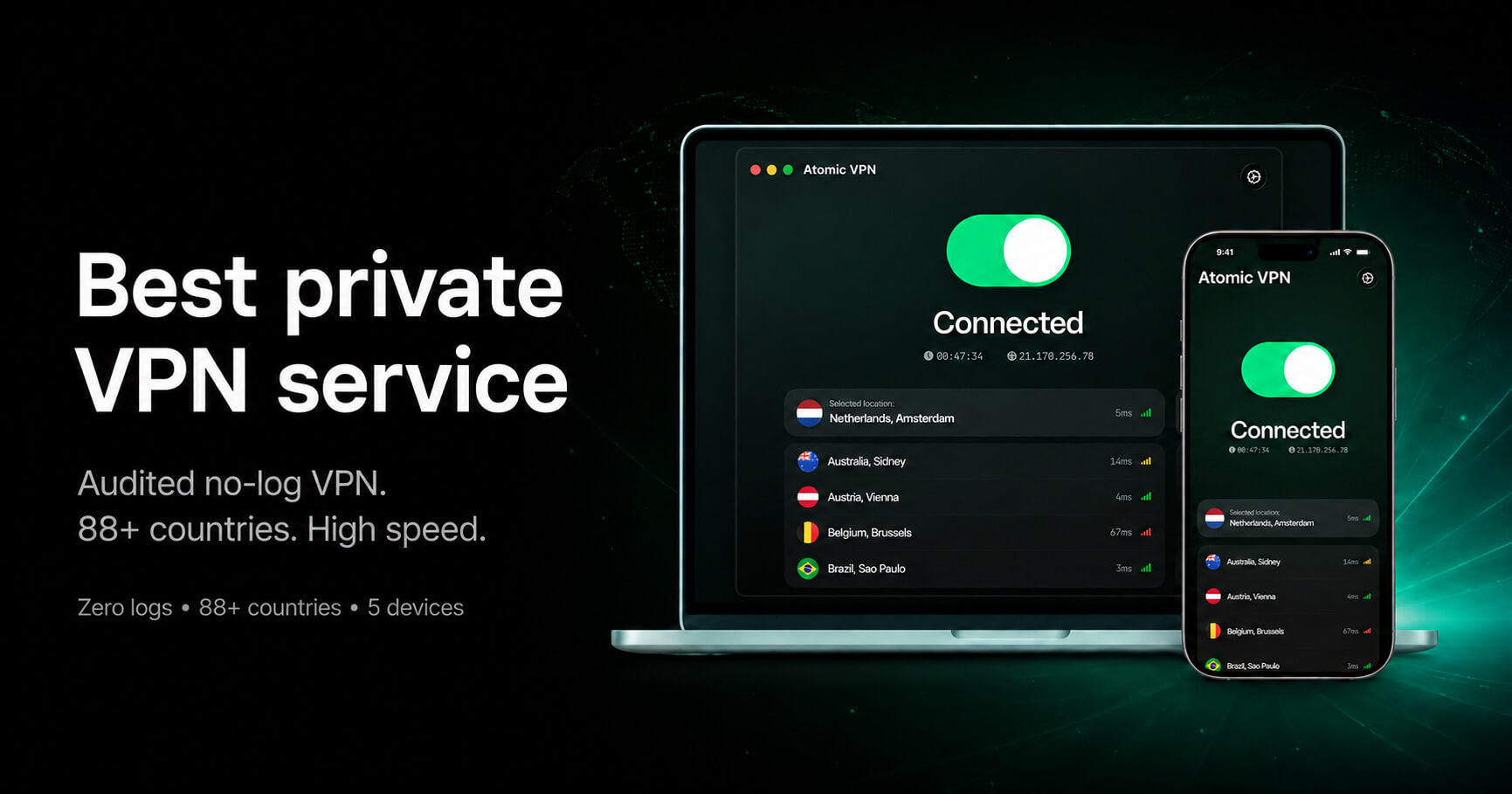
DNS is the phone book of the internet. When it goes outside the tunnel, your provider sees every domain you open even though the content is encrypted. This is a DNS leak, and it is the most common way a working VPN still exposes you.
Run the test
- Connect to Atomic VPN.
- Open a DNS leak test page in your browser.
- Run the extended test and look at the resolver list.
If every resolver belongs to the VPN network, you are fine. If you see your ISP or your router, DNS is leaking.
Why it happens
IPv6
Many VPNs tunnel IPv4 only. If your network has IPv6, DNS can slip out over it. Atomic VPN blocks IPv6 outside the tunnel by default.
Smart multi-homed resolution
Windows may query every interface at once and use the fastest answer. The app disables this while connected.
What to change if it leaks
- Update the app to the current version.
- Turn on the kill switch.
- Remove custom DNS servers from the adapter settings.
Run the test again after each change. One of the three fixes it in almost every case.